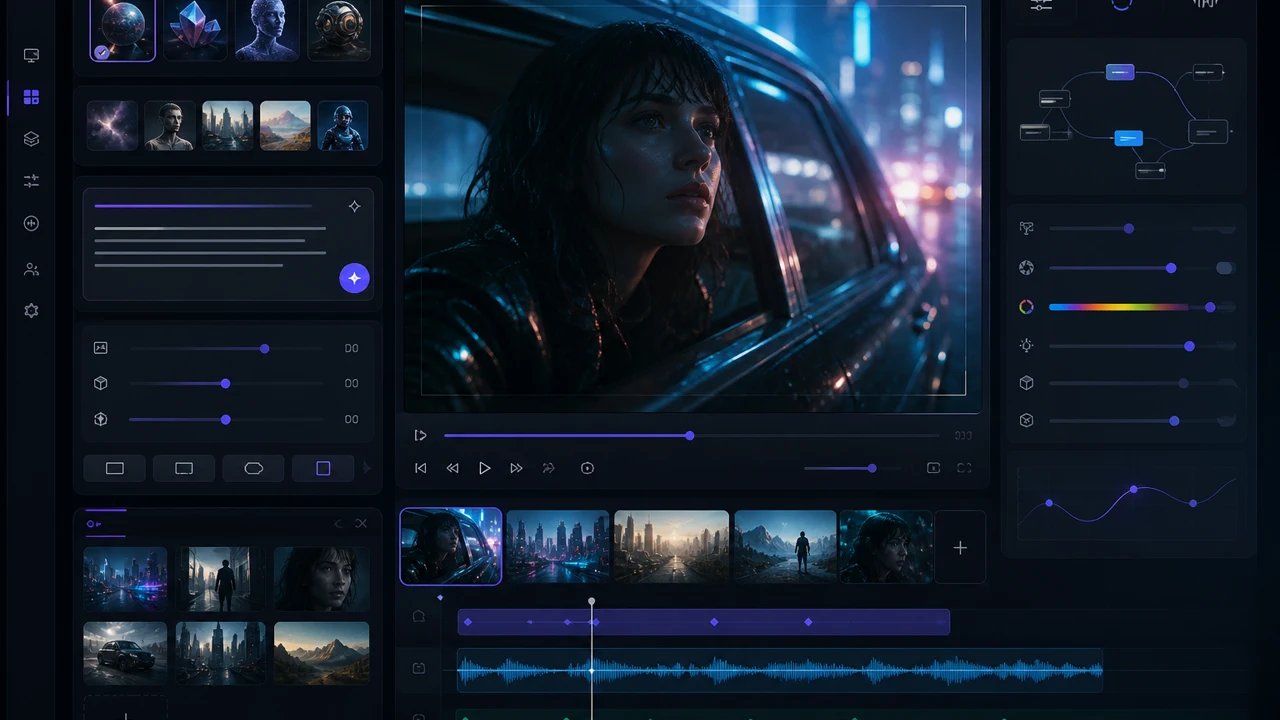
Seedance cinematic workspace
Use one generator for Seedance text, frame, and reference workflows.
Seedance 2.0, 2.0 Fast, and 1.5 Pro
Upload at least 1 image file to continue.
The Seedance workspace groups the active Seedance models without forcing you into separate pages for every version.
Use Seedance for fast drafts, cinematic prompts, image-guided motion, reference-led consistency, and optional audio.
Seedance cinematic workspace
Use one generator for Seedance text, frame, and reference workflows.

Fast concept drafts
Seedance 2.0 Fast is useful when speed matters more than final polish.

Image-guided motion
Upload a frame to anchor composition before generating motion.
Choose Seedance 2.0 Fast for quick drafts, Seedance 2.0 for higher-fidelity 1080p work, or Seedance 1.5 Pro for broad image-to-video coverage.
Start with a prompt, upload frames or references when supported, choose the Seedance model that fits the job, and generate directly in the VizRise workspace.
2.0 Fast + 2.0 + 1.5 Pro|Text, frames, images, references|Optional on supported modes|Varies by settings
Pick the model, choose the input mode, set the available controls, then refine from the result.
Use Seedance 2.0 Fast for quick iteration, Seedance 2.0 for higher-resolution work, or Seedance 1.5 Pro for flexible prompt and image workflows.
Start from text, upload a first frame, add a first-and-last pair, or use references when the selected model supports that mode.
Select the duration, aspect ratio, quality, and audio option shown by the generator for that exact Seedance model.
Review the result in your workspace, then adjust motion, camera language, references, or pacing before generating another version.
Use the broader AI Video Generator page when you want to compare Seedance with Veo, Kling, Wan, and other video models.
Seedance works best when model choice, input type, motion direction, and output settings stay aligned.
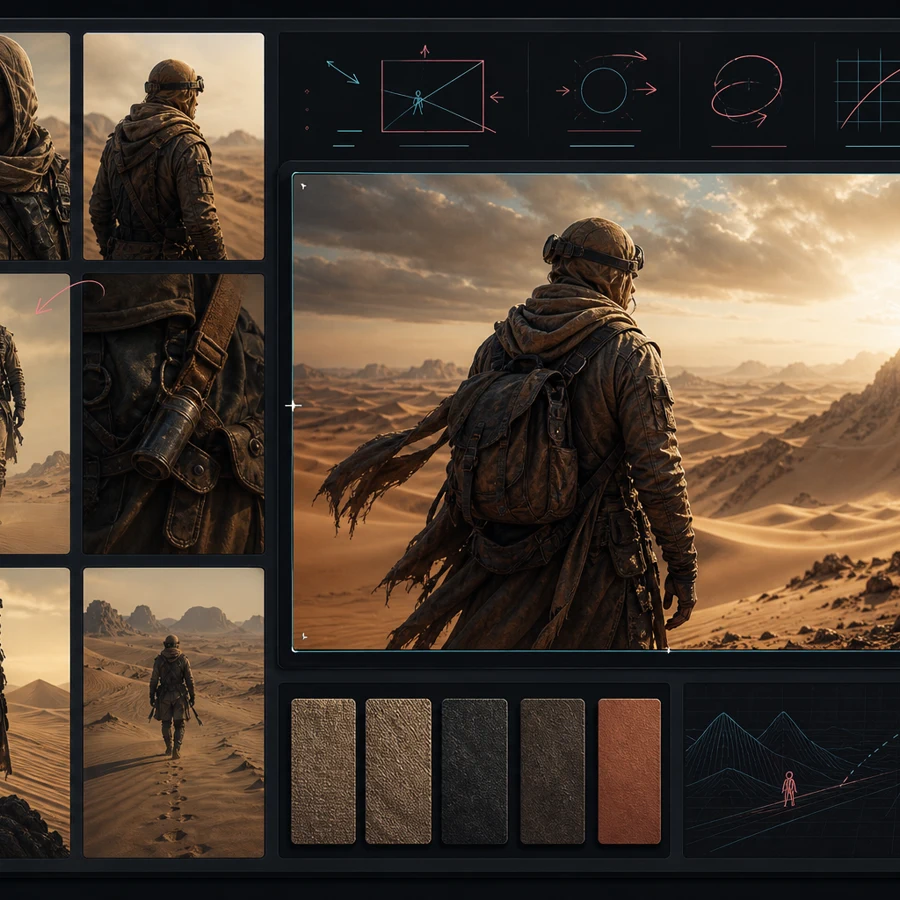
Seedance fits short-form content, marketing concepts, product motion, and model testing workflows.
Draft vertical clips, product hooks, visual openings, and scene ideas without switching away from the generator.
Explore campaign motion, product framing, lifestyle scenes, and ad concepts before committing to a final direction.
Use image guidance and references to keep a product, setting, or look more consistent across generated shots.
Compare Seedance 2.0 Fast, Seedance 2.0, and Seedance 1.5 Pro with the same prompt and different settings.
The best Seedance choice depends on whether speed, 1080p quality, image guidance, or reference support matters most.
Use Seedance 2.0 Fast when you want faster iteration. Use Seedance 2.0 when higher quality and 1080p options matter. Use Seedance 1.5 Pro when you want a balanced Seedance model with prompt-only and image-conditioned generation. The generator shows only the modes, ratios, qualities, and audio controls supported by the selected model.
Answers about available Seedance models, supported inputs, audio, credits, and Seedance 2.5 availability.
Seedance is a family of AI video generation models used for prompt-based and image-guided video creation. On VizRise, it is available as a browser-based video generator workspace.
VizRise currently exposes Seedance 2.0 Fast, Seedance 2.0, and Seedance 1.5 Pro in this Seedance workspace.
Seedance 2.0 Fast is designed for quicker iteration. Seedance 2.0 offers a higher-fidelity path and includes 1080p quality options in supported modes.
Yes. The available Seedance models include text-to-video modes where you can describe the subject, motion, camera movement, and style.
Yes. Seedance 1.5 Pro supports image-to-video, while Seedance 2.0 models support first-frame and first-and-last-frame workflows.
Seedance 2.0 and Seedance 2.0 Fast expose reference-image workflows in the VizRise generator. The exact upload limits and controls depend on the selected model mode.
Supported Seedance modes show an audio generation toggle. Audio availability and cost depend on the selected model and settings.
No. Seedance 2.5 is not shown as an active VizRise model unless the API integration is actually available in the generator.
Commercial use depends on your rights to the prompts, uploaded images, references, and final output, plus the applicable platform terms. Avoid uploading material you do not have permission to use.
Start with a prompt, upload frames or references when supported, choose the Seedance model that fits the job, and generate directly in the VizRise workspace.