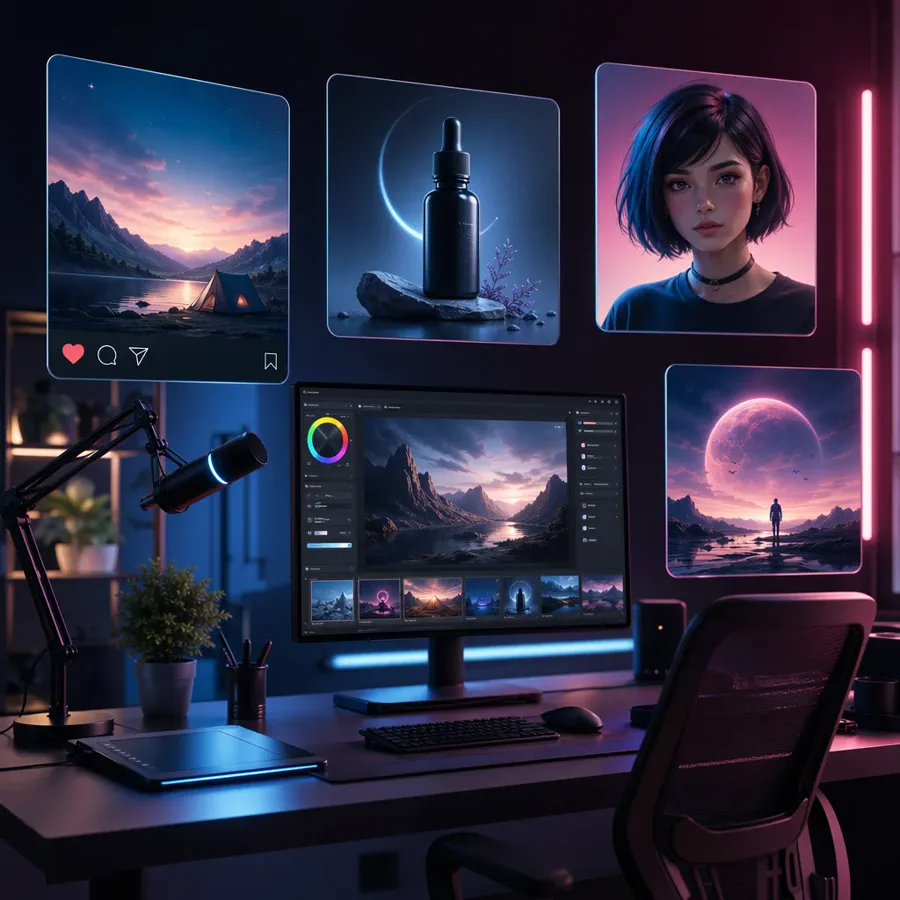
GPT Image 2 creator workspace
Create prompt images and uploaded-image edits in one place.
Latest GPT image creation and editing
GPT Image 2 helps turn a short idea into a polished visual you can use for content, campaigns, or creative exploration.
Explore related image generators and nearby editing workflows.
GPT Image 2 creator workspace
Create prompt images and uploaded-image edits in one place.
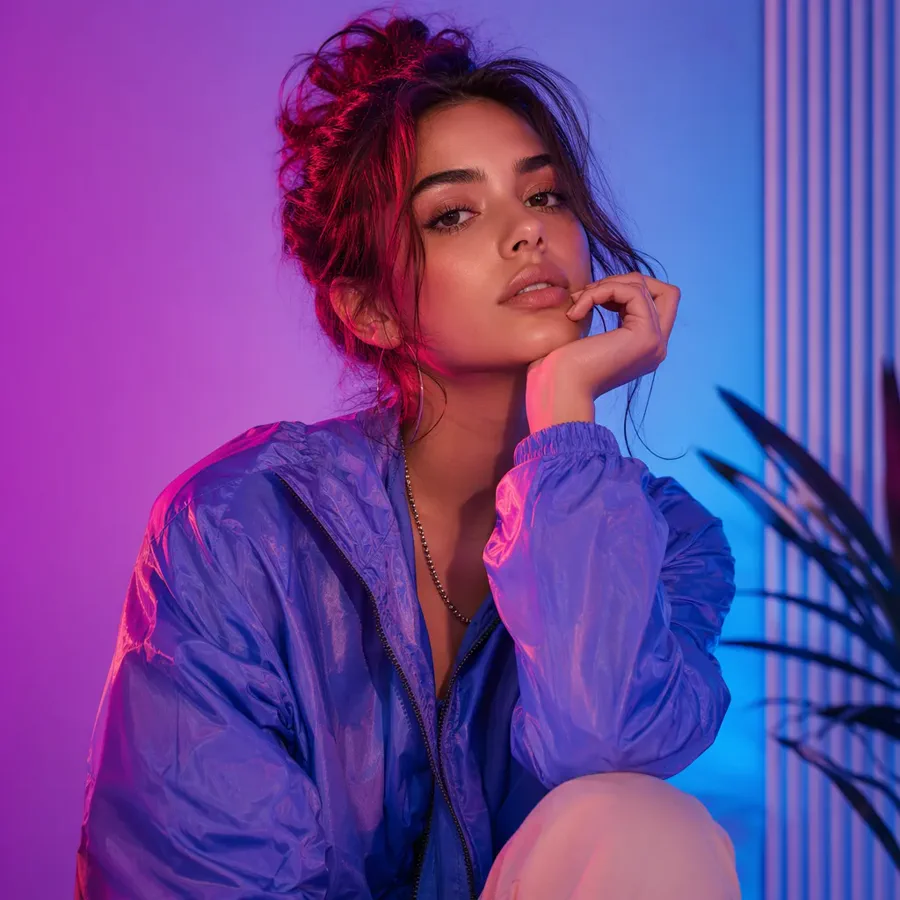
Social post concepts
Create scroll-stopping visuals from a short prompt.
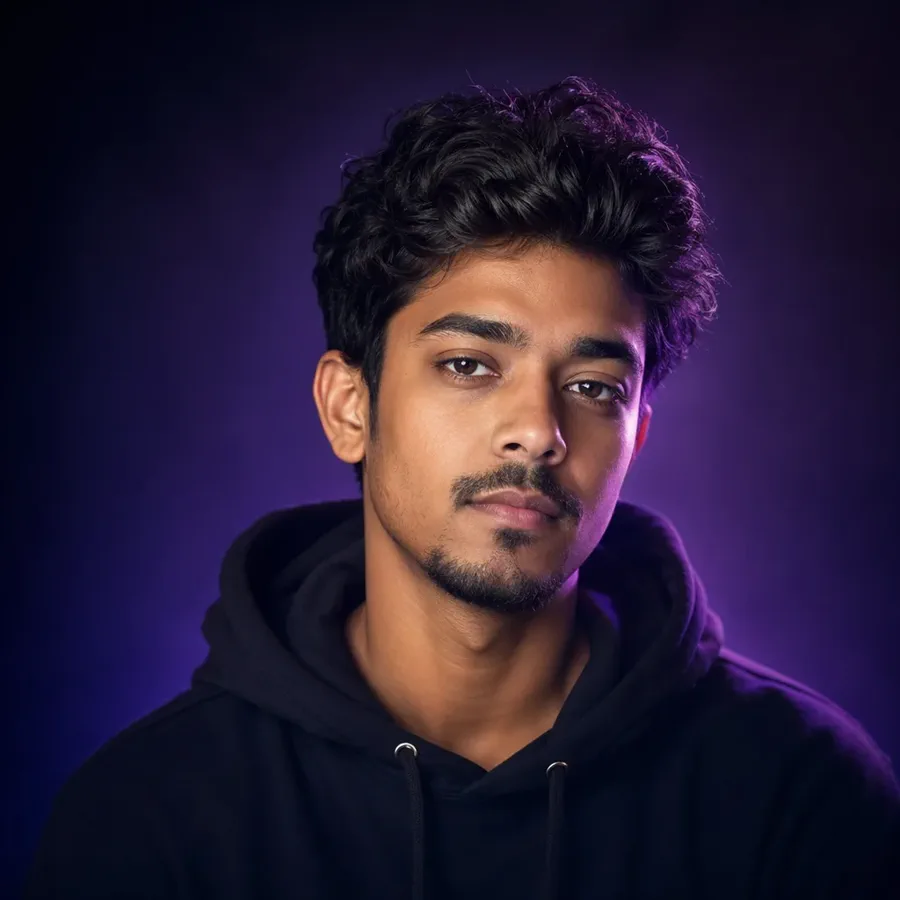
Image restyles
Upload a picture and push it toward a new look.
Make social posts, product shots, thumbnails, avatars, and campaign visuals from simple prompts.
Start with a prompt, upload an image if you want to edit, and create a visual you can use or refine.
Text to image + image edit|Square and more|Edit your images|18 credits on VizRise
Generate, edit, and refine in four simple steps.
Tell GPT Image 2 what to create, including subject, style, and mood.
Add a photo or reference when you want to edit instead of starting fresh.
Choose a size that fits your post, ad, product page, or thumbnail.
Generate the image, check the result, and adjust the prompt if needed.
Browse more tools for image creation, editing, and visual refinement.
Four reasons teams use GPT Image 2 for prompt-led creation and guided edits.
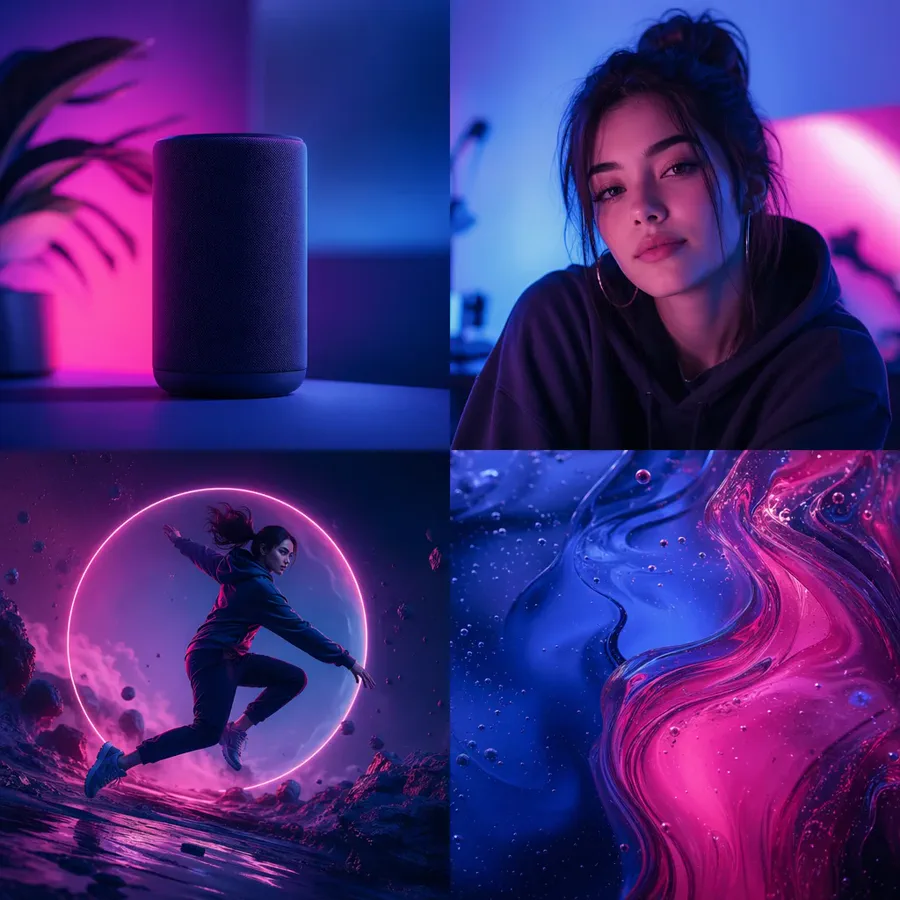
Best for concepting, campaign mockups, product visuals, and reference-led edits.
Create post ideas, thumbnails, avatars, and quick visuals for daily content.
Make product hero images, promo graphics, and simple ad concepts without a full shoot.
Generate campaign directions, client mockups, and visual options faster.
Try OpenAI GPT Image 2 directly and see whether the output fits your style.
A quick read on where GPT Image 2 fits in real workflows.
GPT Image 2 is useful when you want to make a good-looking image quickly: write a prompt, upload a picture if needed, refine the result, and keep moving.
Answers on workflow, editing, cost, and model fit.
GPT Image 2 is OpenAI's image model for creating and editing images. On VizRise, you can use it as a simple AI image generator in your browser.
Yes. Upload an image, describe what you want to change, and generate a new version.
Text-to-image starts at 18 credits. Image editing starts at 20 credits.
You can make social posts, product shots, avatars, thumbnails, ad visuals, concept art, and edited versions of uploaded images.
Yes. If you are researching GPT Image 2 API usage, this page is a quick way to test prompts and edits visually first.
Start with a prompt, upload an image if you want to edit, and create a visual you can use or refine.