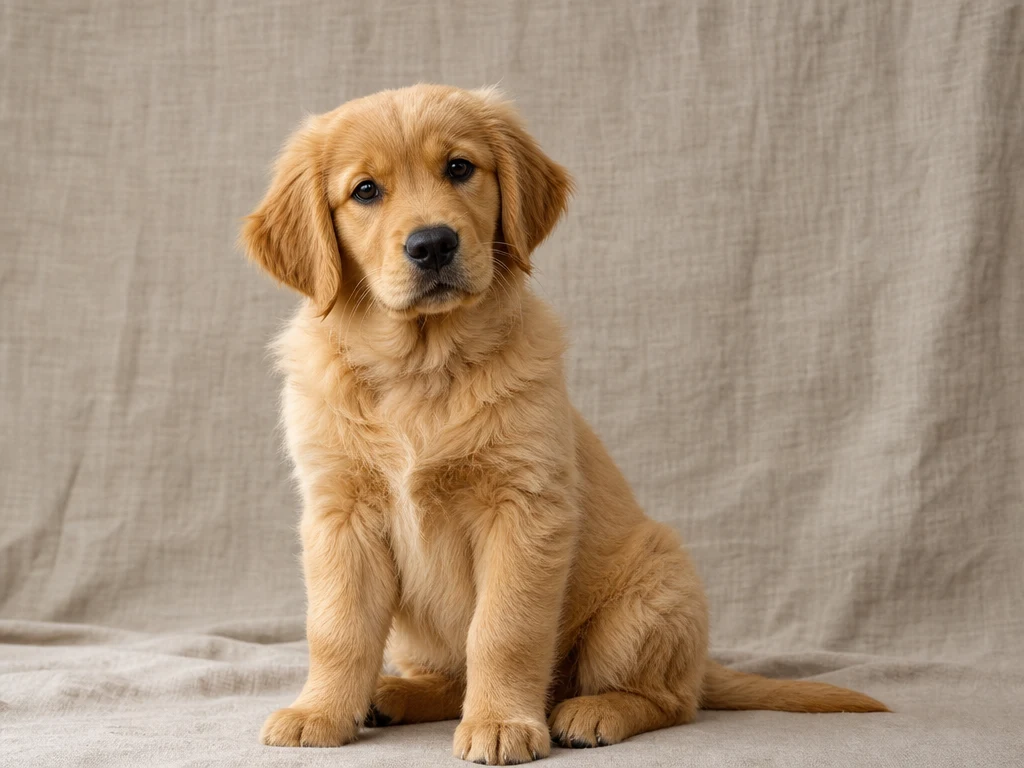
Pet picture to video
Animate a pet photo with natural action, wind, camera movement, and a warm outdoor mood.
Upload at least 1 image file to continue.
Use one uploaded picture as the visual anchor, then add natural motion with a prompt. It is ideal when the image already has the subject and composition you want.
Animate photos, pets, portraits, products, and AI images with prompt-guided motion.
Pet picture to video
Animate a pet photo with natural action, wind, camera movement, and a warm outdoor mood.
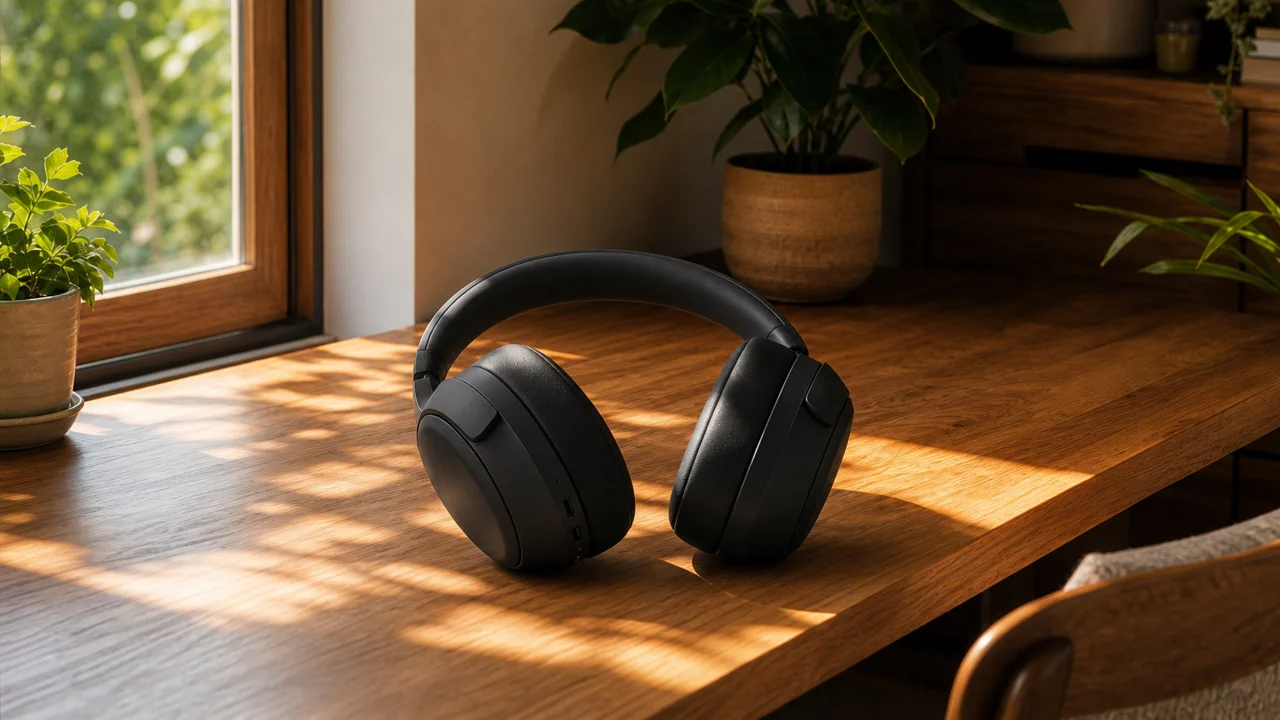
Product picture animation
Turn a static product image into a short premium product-style video.

Portrait picture to video
Use subtle motion for portraits where identity, expression, and realism need to stay stable.
Upload one picture and describe the exact motion, camera direction, and mood you want.
Upload a still image, describe the motion, and generate a short AI video from your picture.
AI picture to video|Image + prompt|Wan 2.6 Flash|Animate photos | Social clips | Ads
Upload an image, describe the motion, choose a supported model, and generate the video.
Start with the still image you want to animate. Clear subjects, visible composition, and strong lighting usually produce better motion.
Describe what moves, how the camera moves, and what should stay recognizable. Simple, specific motion often works better than trying to change everything at once.
Pick a supported image-to-video model, duration, ratio, and quality. The available controls adapt to the selected model.
Create the video, review the motion, then adjust the prompt if you need a calmer camera, stronger action, or a different mood.
Picture-to-video is strongest when the source image already has the subject, framing, and mood you want.
Built for image upload, prompt-guided motion, model-aware controls, and practical social or ad workflows.
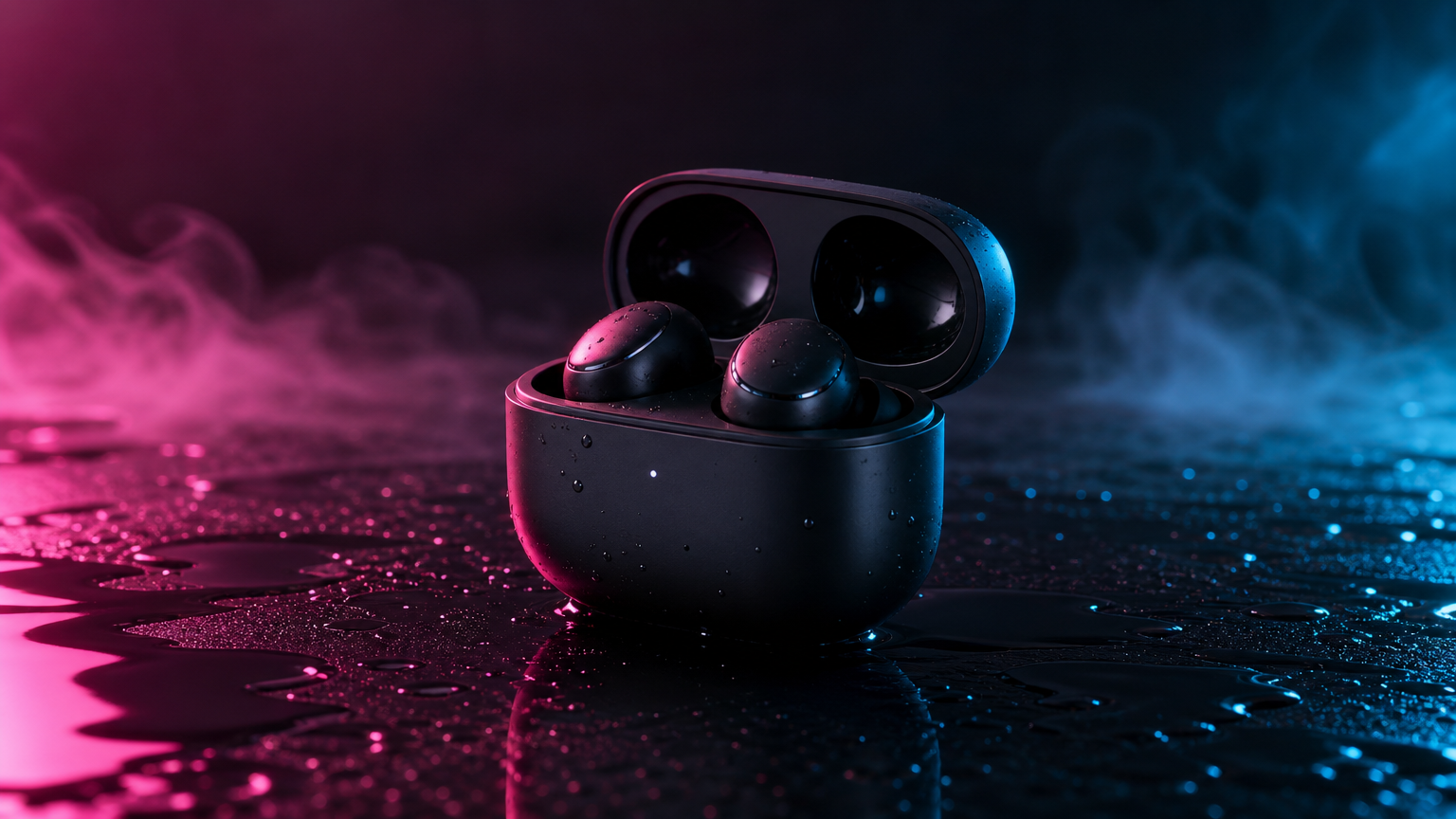
Animate pets, portraits, products, travel photos, lifestyle images, and AI-generated concept art.
Turn a still photo into a short moving clip for social posts, profiles, ads, or creative experiments.
Bring pet pictures to life with running, head turns, playful movement, or gentle camera motion.
Animate product shots with clean camera movement, lighting changes, and commercial-style polish.
Create subtle portrait videos with natural blinking, small expression changes, and controlled camera movement.
Add wind, atmosphere, camera drift, and environmental motion to travel or lifestyle photos.
Take an AI-generated image and use image-to-video models to explore motion, atmosphere, and story beats.
A clear motion prompt helps the model animate the picture without drifting away from the source image.
AI picture to video works best when you give the model a focused movement direction. Instead of asking the whole image to change, say what moves first, how the camera moves, and what details should remain consistent.
Answers about uploading pictures, model choice, prompt writing, credits, and common animation uses.
AI picture to video means uploading a still image and generating a moving video from it using a text prompt to describe the motion.
Yes. This page is built for image-driven video generation, so you start by uploading a source picture.
Wan 2.6 Flash is the default because it is a practical starting point for image-to-video. You can switch to Wan 2.6, Seedance 1.5 Pro, Kling, Bytedance, or Grok when you want a different motion style or quality tradeoff.
Yes. Pet photos are a common picture-to-video use case. Describe one clear movement, such as running, looking at camera, wagging, or wind moving fur.
Yes. Product photos work well with slow camera push, orbit, light movement, and clean commercial-style prompts.
You can view the page for free. New users get 3 free credits to try generation, then future renders use your VizRise credit balance.
Mention the subject, the action, camera movement, lighting, mood, and what should stay consistent. For example: make the dog run forward, fur moving in the wind, warm sunlight, camera follows slowly.
Accepted jobs deduct credits, and failed provider jobs are refunded by the existing VizRise generation flow.
Upload a still image, describe the motion, and generate a short AI video from your picture.