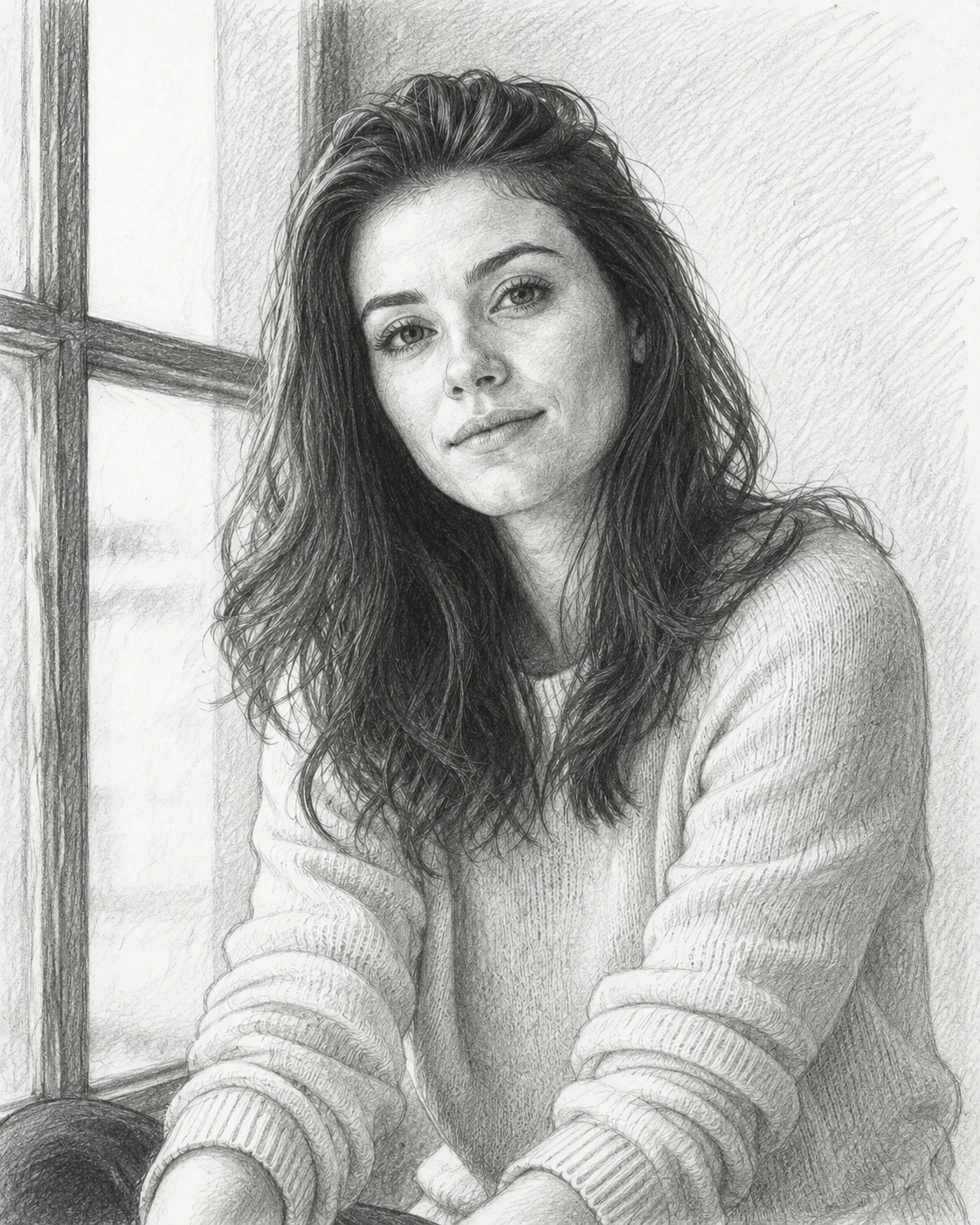
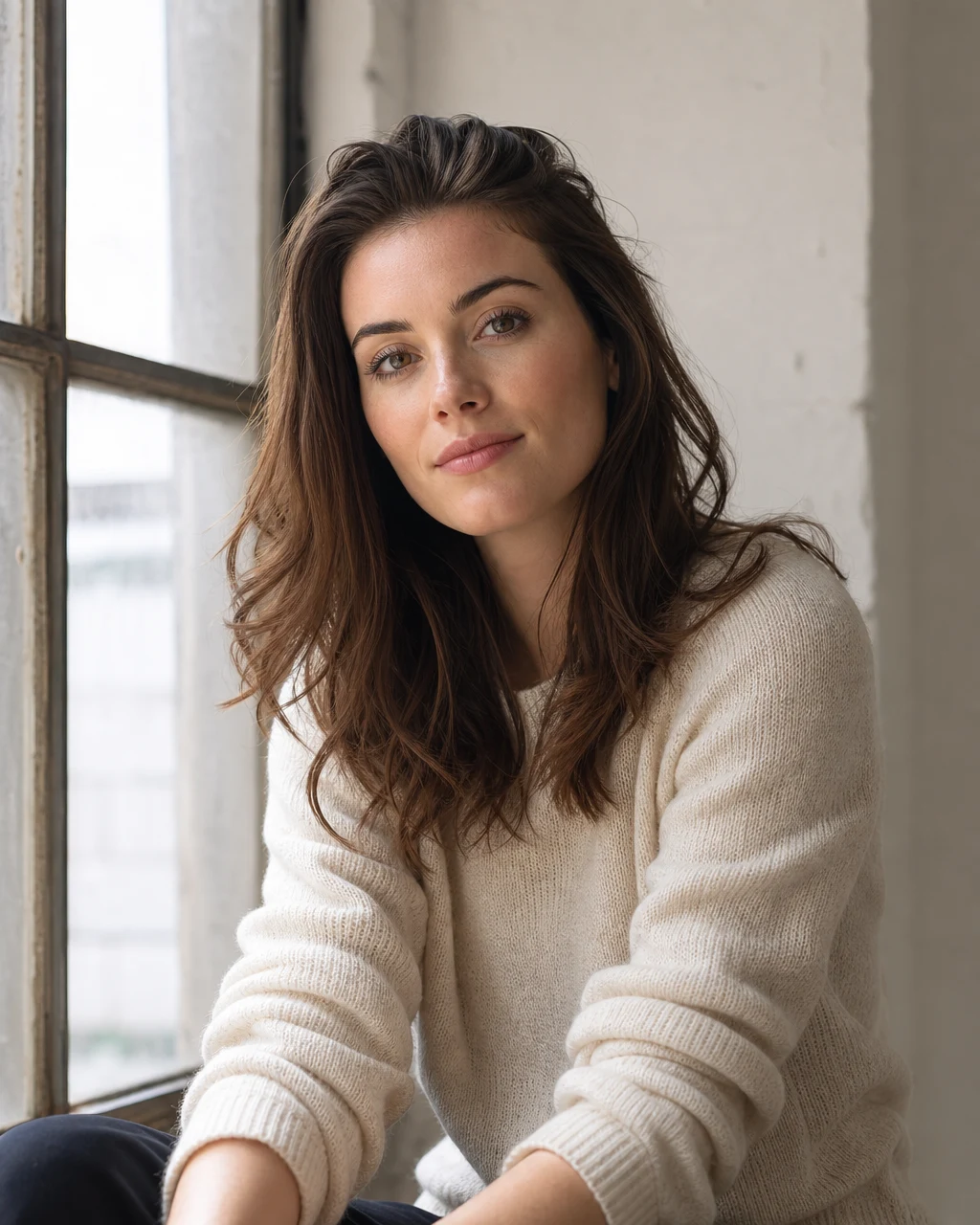
Portrait photo to pencil sketch
Convert a face photo to sketch with clear eyes, hair strokes, sweater texture, and soft graphite face shading.
Upload at least 1 image to continue.
This photo to sketch converter asks for visible graphite strokes, natural hatching, clear midtones, and darker accents so the output reads like a finished hand drawing.
Each example starts with a real photo and converts it into a pencil-style drawing with visible linework, graphite shading, and recognizable subject detail.
Portrait photo to pencil sketch
Convert a face photo to sketch with clear eyes, hair strokes, sweater texture, and soft graphite face shading.
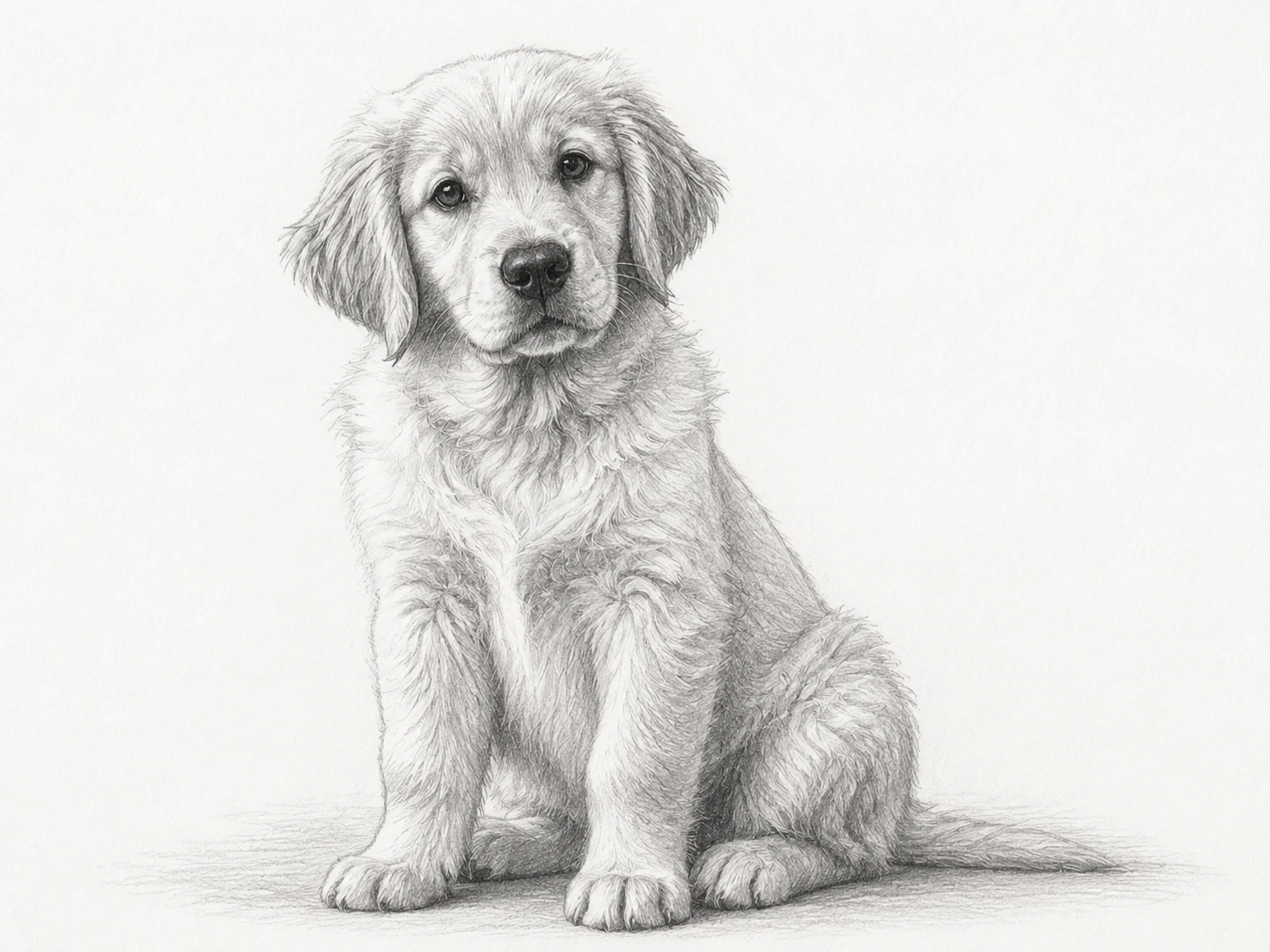
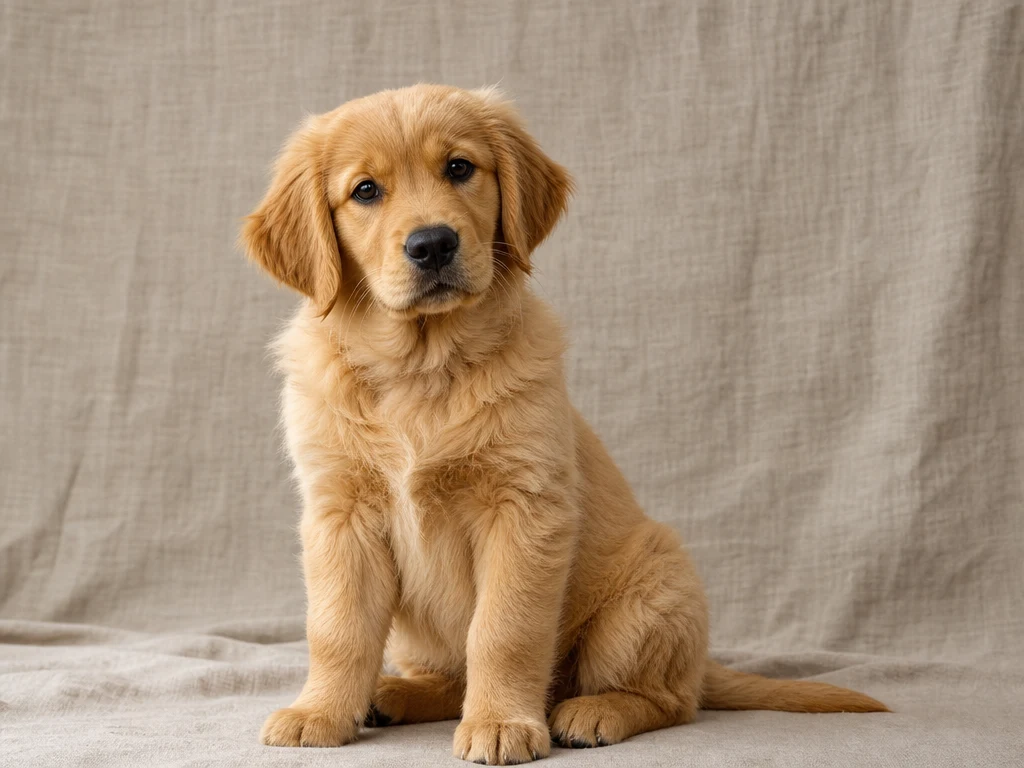
Pet photo to hand-drawn sketch
Turn photo to sketch for pets with visible fur detail, darker eye accents, and a natural ground shadow.
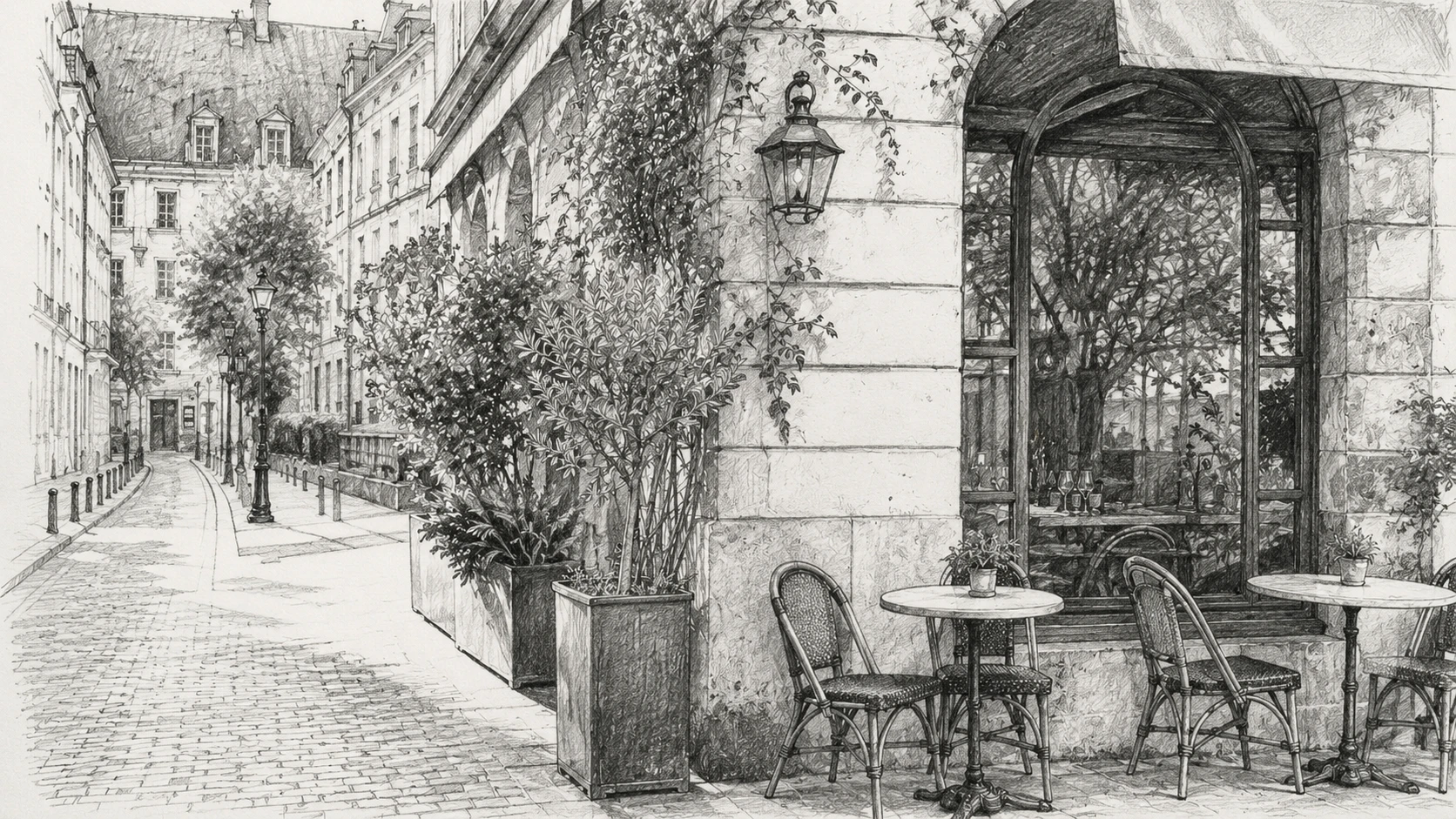
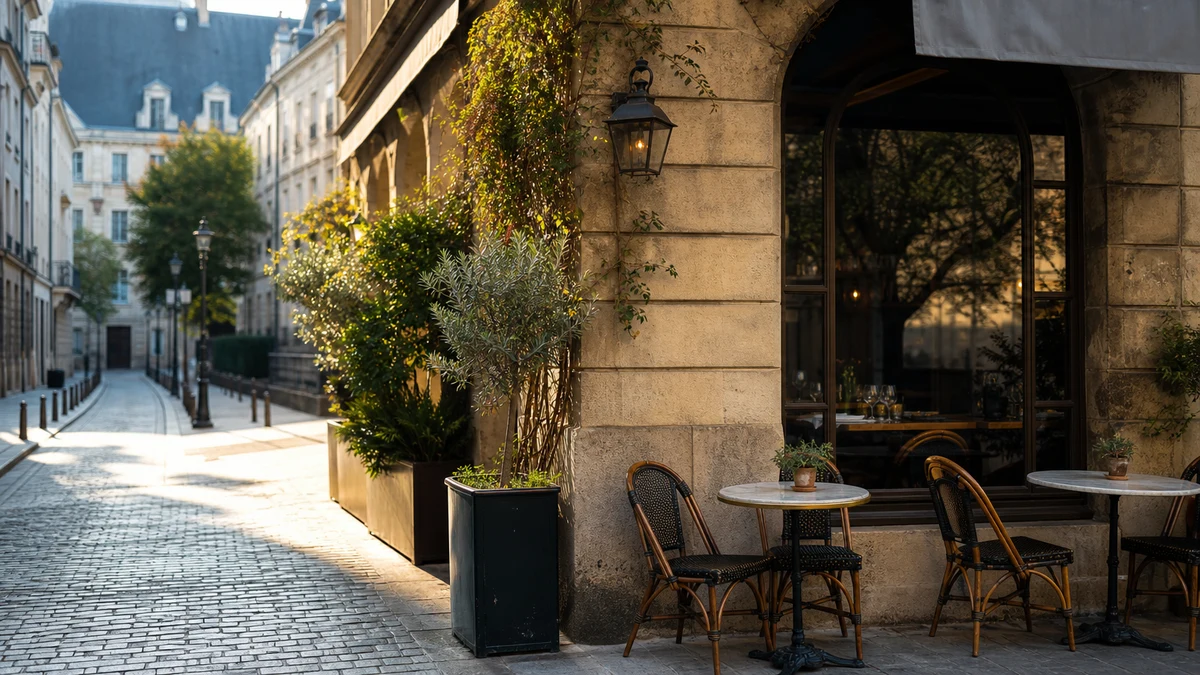
Street photo to urban sketch
Convert a travel photo to sketch with street perspective, plants, furniture, and stone texture intact.
Upload one photo and create a pencil sketch online
Upload one image and create a realistic graphite-style drawing with clear lines, natural shading, and preserved subject detail.
Photo to sketch|Image-to-image sketch conversion|1 photo|Portraits, pets, products, travel
Upload a photo, choose an optional style direction, and generate a realistic pencil drawing online.
Choose a portrait, pet, product, building, travel shot, or reference image with enough light and visible detail.
Leave the note blank for a natural graphite sketch, or ask for softer shading, stronger charcoal marks, or less background detail.
GPT Image 2 redraws the photo as a finished AI sketch with pencil strokes, contour lines, midtones, and paper texture.
Use VizRise for image generation, cleanup, reference blending, photo to sketch conversion, and focused photo-to-art workflows.
Built for realistic pencil texture, preserved subject structure, optional outline direction, and practical everyday sketch use.
Create face sketches, avatars, personal gifts, product concepts, travel sketches, art references, and presentation visuals.
Turn a selfie or portrait into a pencil-style avatar that feels more personal than a standard photo.
Create sketch-style portraits, pet drawings, couple images, and family memories from photos you already have.
Convert product shots into pencil-style concept visuals for mood boards, packaging drafts, landing pages, or presentations.
Give streets, landmarks, cafes, and landscapes a sketchbook look while keeping the original composition recognizable.
Simplify a photo into linework and values so it becomes easier to study edges, shading, composition, and structure.
Use a sketch version when a full-color photo is too busy for a slide, worksheet, report, or concept explanation.
Start with a clear image and the AI has more information to preserve likeness, structure, and shading.
Use a clear photo with visible subject edges and decent lighting. Very dark images, tiny faces, heavy blur, or cluttered backgrounds can make the pencil sketch less accurate.
Answers about photo to sketch AI conversion, free credits, portrait results, outline sketches, app alternatives, and style control.
Upload one photo, optionally add a short style note, and click Create Sketch. VizRise uses GPT Image 2 to redraw the image as a pencil-style sketch in your browser.
You can view the tool page without installing anything. New users can try the photo to sketch AI workflow with 3 free credits. After those credits are used, generation uses your normal VizRise credit balance.
Yes. Face photos and portraits are one of the best use cases. Clear eyes, visible hair, and good lighting usually create the most natural pencil result.
Yes. The tool works with pets, products, buildings, travel shots, and other photos. Add a short note if you want stronger lines, softer shading, or less background detail.
No. The prompt asks the model to redraw the image with pencil strokes, hatching, midtone shading, and paper texture instead of simply desaturating the photo.
Use a well-lit image with a clear subject. Avoid heavy blur, tiny faces, very dark scenes, or backgrounds that compete with the subject.
Yes. Use the optional instructions to ask for soft portrait shading, stronger charcoal lines, a photo to sketch outline look, clean line art, architectural sketch style, or a simplified background.
Canva and Photoshop can be useful for manual filters and design work. VizRise is focused on AI redrawing: upload a photo, give a natural instruction, and generate a pencil-style image without building the effect layer by layer.
This page is tuned for realistic pencil and graphite sketches. You can ask for a more stylized sketch in the optional note, but anime-style image generation is better handled from the main AI image workspace.
No. VizRise runs in your browser. Upload a photo, generate the sketch, and save the result from your image history.
Upload one image and create a realistic graphite-style drawing with clear lines, natural shading, and preserved subject detail.