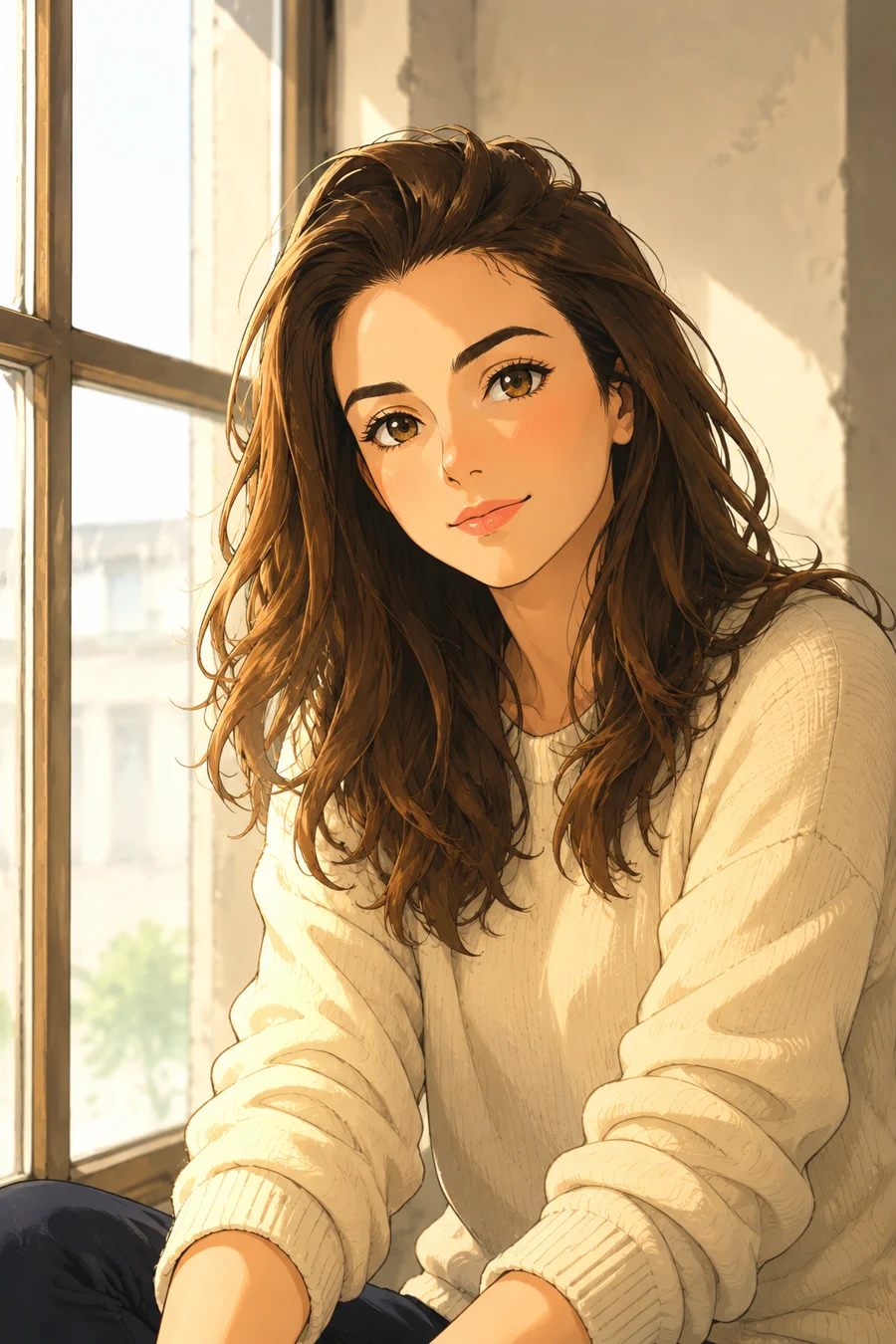
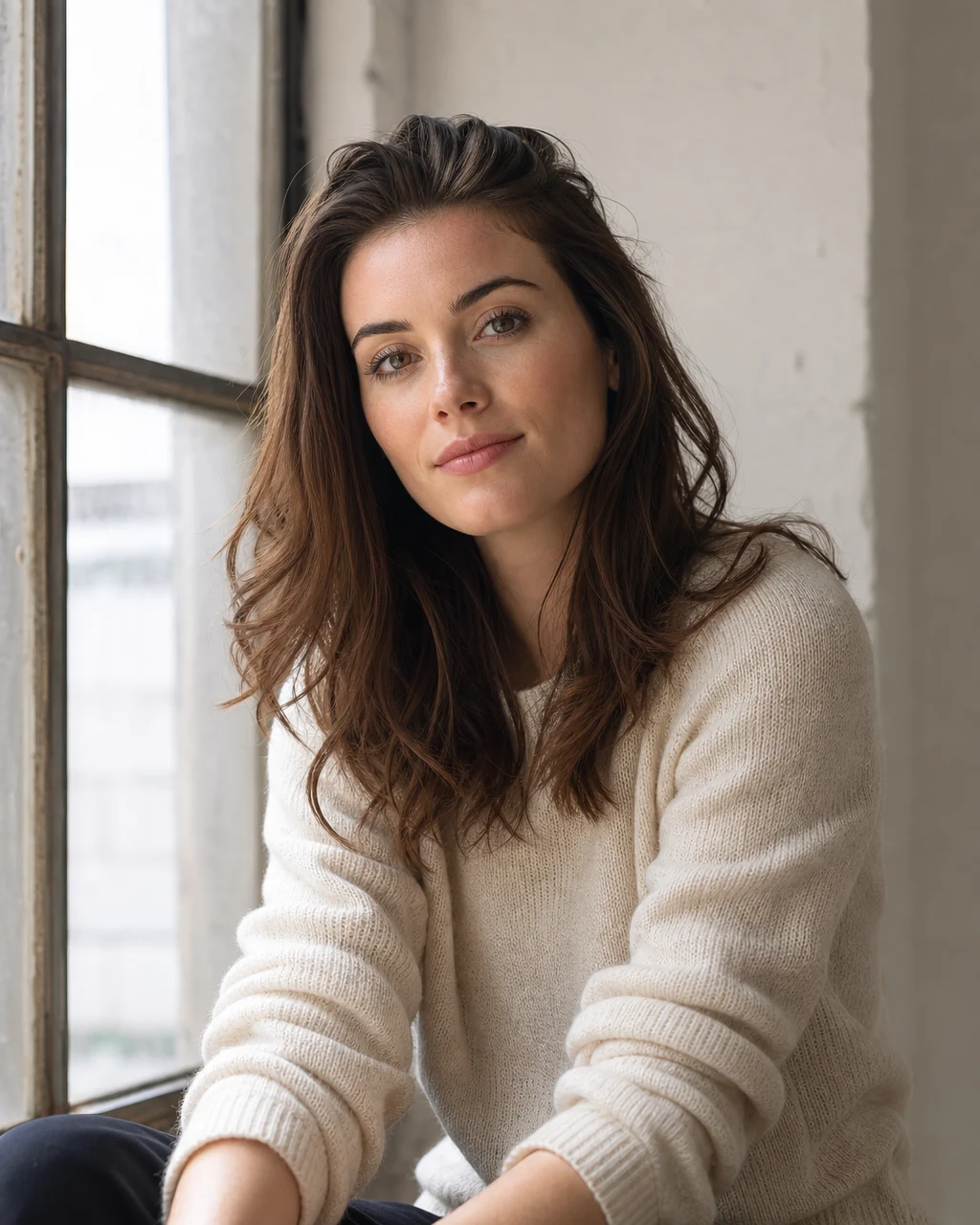
Portrait photo to anime
Convert a portrait into a warm anime character illustration with clean line art, expressive eyes, and soft window light.
Upload at least 1 image to continue.
This workflow is tuned for a full illustration pass, not a cheap color filter. It asks for line art, cel shading, expressive eyes, and a finished anime look.
Each example starts with a real photo and turns it into a polished anime-style illustration.
Portrait photo to anime
Convert a portrait into a warm anime character illustration with clean line art, expressive eyes, and soft window light.
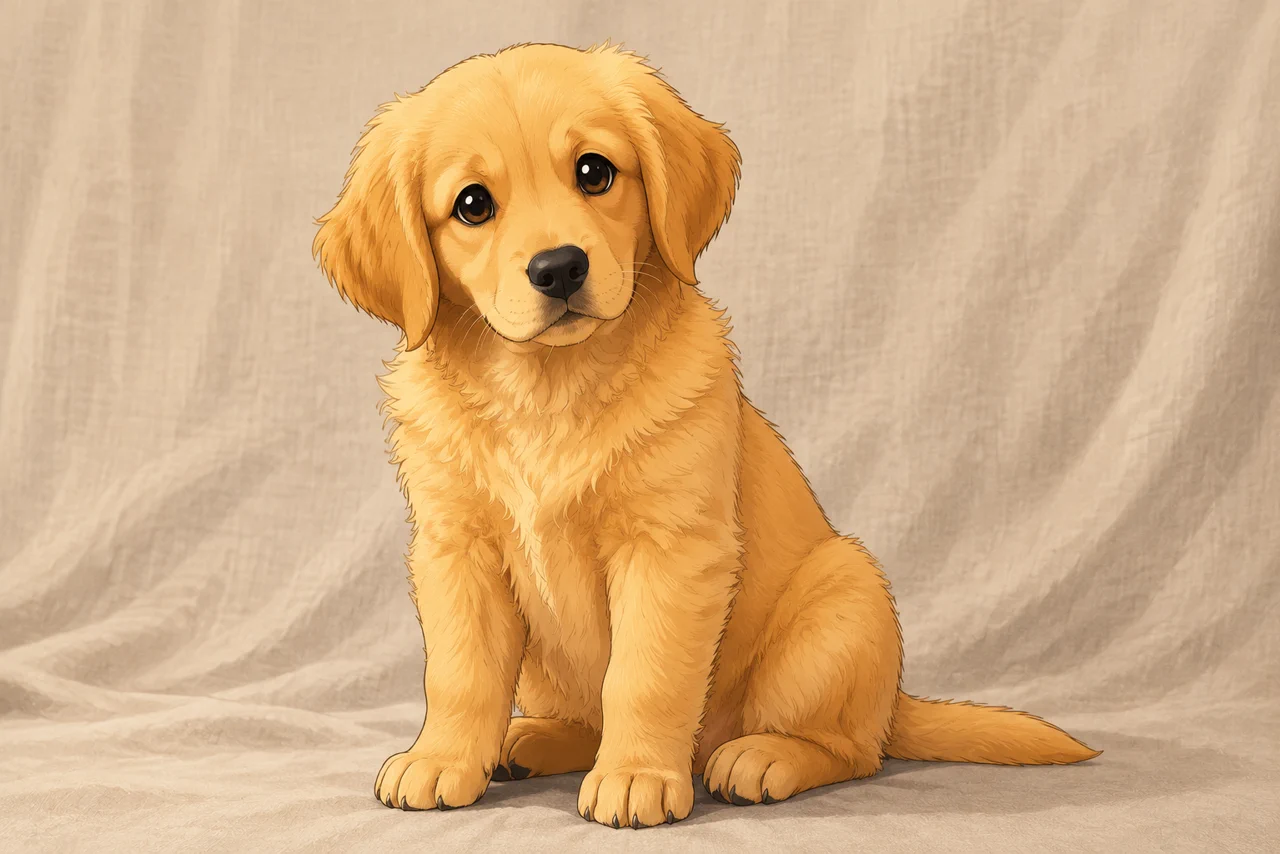
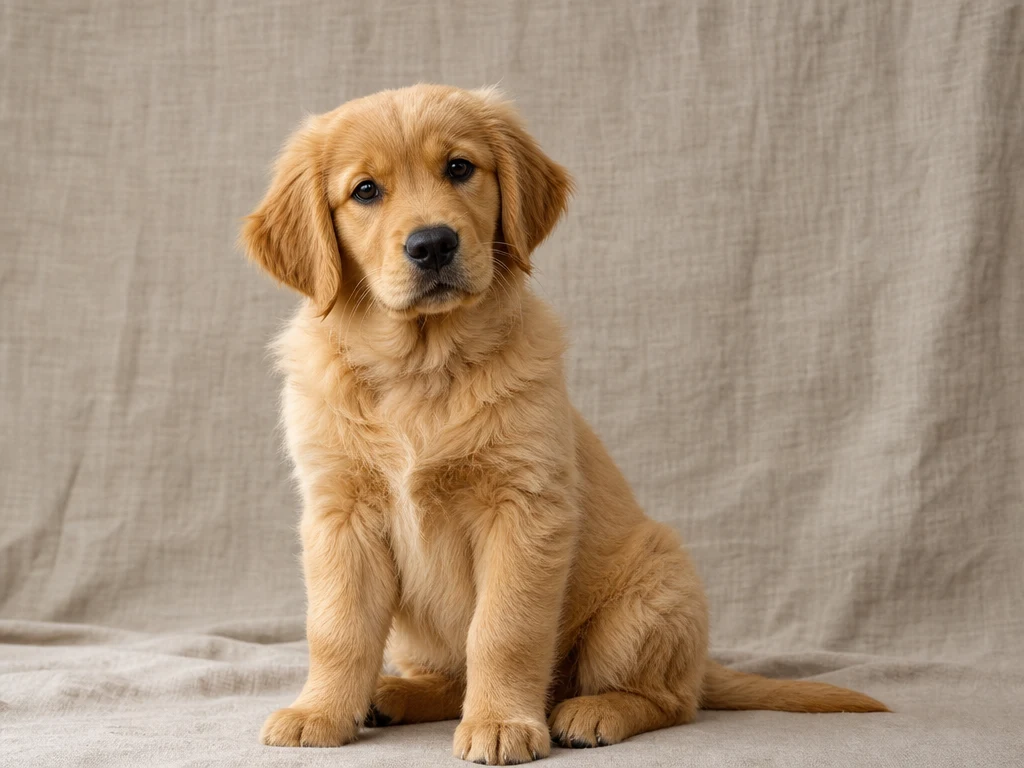
Pet photo to anime
Turn a pet photo into a cute anime-style illustration while keeping the animal pose, fur, and friendly expression.
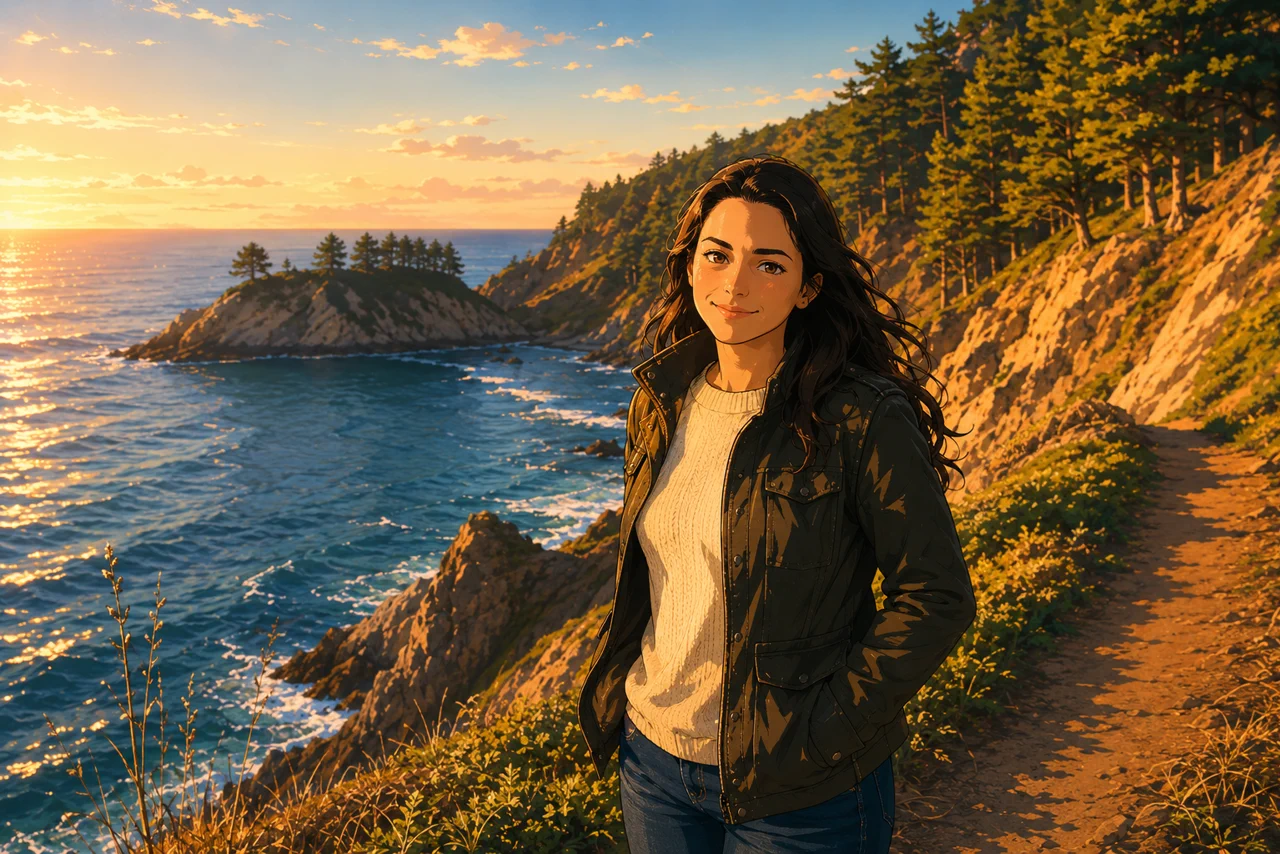
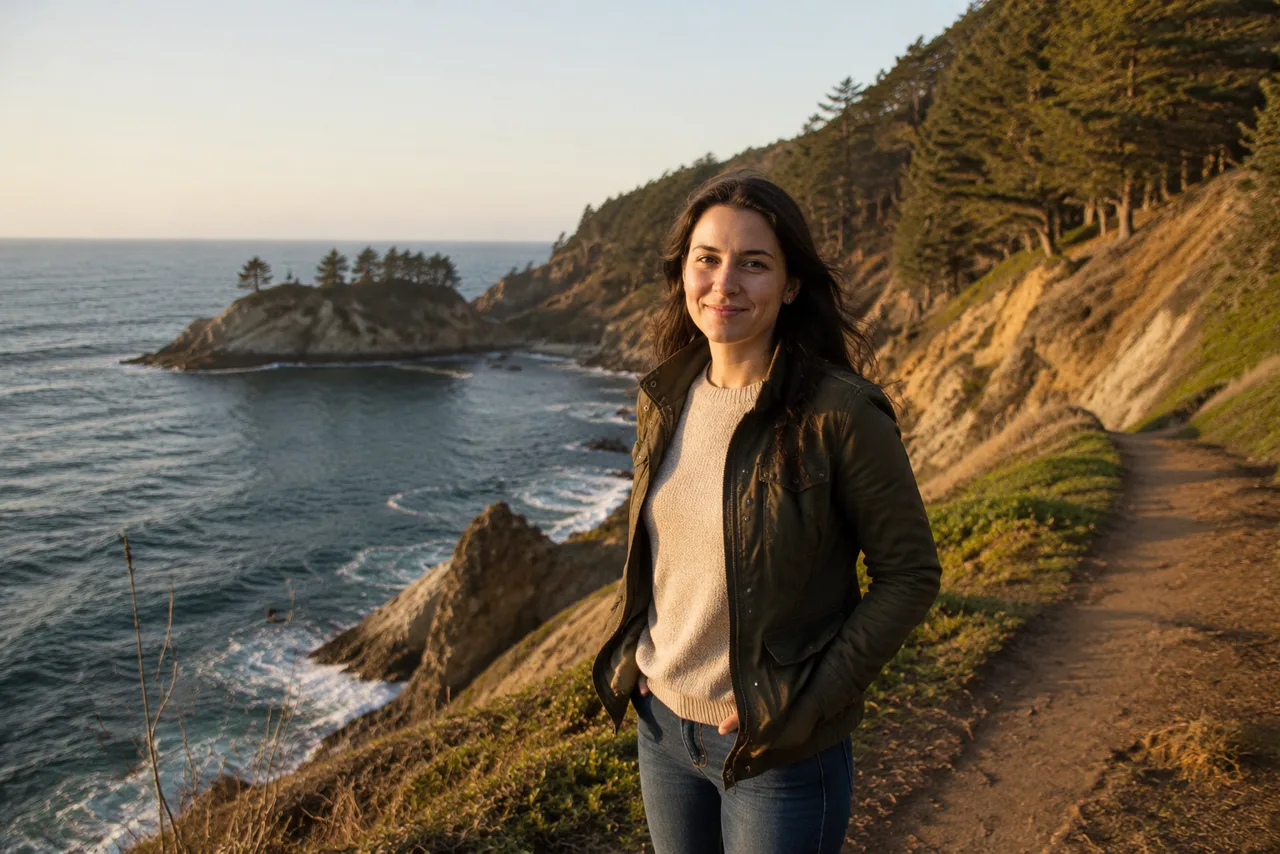
Travel photo to anime scene
Convert an outdoor portrait into a scenic anime travel image with preserved coastline, trail, and golden-hour mood.
Upload one photo and generate an anime-style result
Upload one image and create a polished anime-style illustration with preserved subject detail and simple style controls.
Photo to anime|Image-to-image anime conversion|1 uploaded photo|Soft Anime, Cinematic, Manga
Upload a photo, choose an anime style, add optional direction, and generate the anime version online.
Choose a portrait, pet photo, travel shot, outfit image, or everyday picture with a clear subject.
Use Soft Anime for warm character art, Cinematic for scenic animated-film mood, or Manga for cleaner ink-like linework.
GPT Image 2 redraws the uploaded image as an anime-style illustration while preserving the original subject and composition.
Use VizRise for photo to anime, portraits, image cleanup, background removal, sketches, and reference-based image creation.
Built for anime-style illustration, simple style presets, subject preservation, and practical profile or social use.
Create anime avatars, pet illustrations, travel memories, creator visuals, outfit references, and playful keepsakes.
Create an anime avatar from a selfie or portrait while keeping the pose and recognizable style cues.
Turn dog, cat, and pet photos into charming anime-style illustrations for profiles, prints, or social posts.
Make travel portraits, street photos, and landscape images feel like animated story moments.
Use anime-style images for thumbnails, posts, profile banners, character concepts, and community content.
Convert fashion photos or cosplay references into anime-style character art while preserving clothing details.
Create playful anime versions of personal photos, couples, pets, and memorable everyday scenes.
Better source photos give the model more information to preserve likeness, outfit, pose, and scene detail.
Use photos with visible faces, clear poses, and enough light. Heavy blur, tiny subjects, sunglasses, or cluttered scenes can make the anime conversion less accurate.
Answers about anime conversion, free credits, avatars, pet photos, style control, and best input photos.
Upload one photo, choose an anime style, optionally add a short note, and click Create Anime. VizRise uses GPT Image 2 to redraw the image as an anime-style illustration.
You can view the page without logging in. New users can try Photo to Anime with 3 free credits. After those credits are used, generation uses your normal VizRise credit balance.
Yes. Portraits and selfies are one of the best use cases. Clear eyes, visible hair, and good lighting usually create stronger anime avatar results.
Yes. Pet photos work well when the animal is clearly visible. The prompt asks the model to preserve pose, fur direction, and expression.
The prompt is designed to keep identity cues such as face shape, hair, expression, outfit, pose, and scene. Results can still vary because anime conversion is a stylized transformation.
No. The workflow asks the model to redraw the image with anime line art, cel shading, color design, and illustration detail rather than simply applying a surface filter.
Use a clear photo with a main subject, decent lighting, and minimal motion blur. Avoid very small faces, heavy shadows, and crowded backgrounds when accuracy matters.
Yes. Choose Soft Anime, Cinematic, or Manga, and use the optional instructions to ask for mood, background detail, outfit changes, or stricter identity preservation.
No. VizRise runs in your browser. Upload a photo, generate the anime version, and save it from your image history.
Upload one image and create a polished anime-style illustration with preserved subject detail and simple style controls.