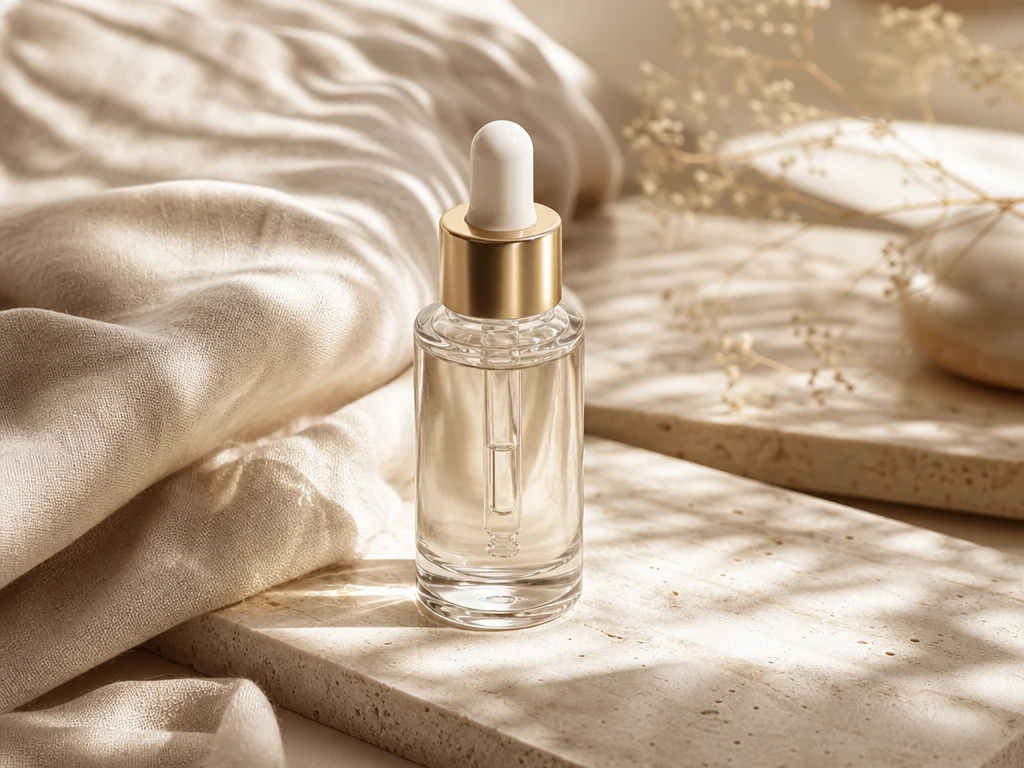
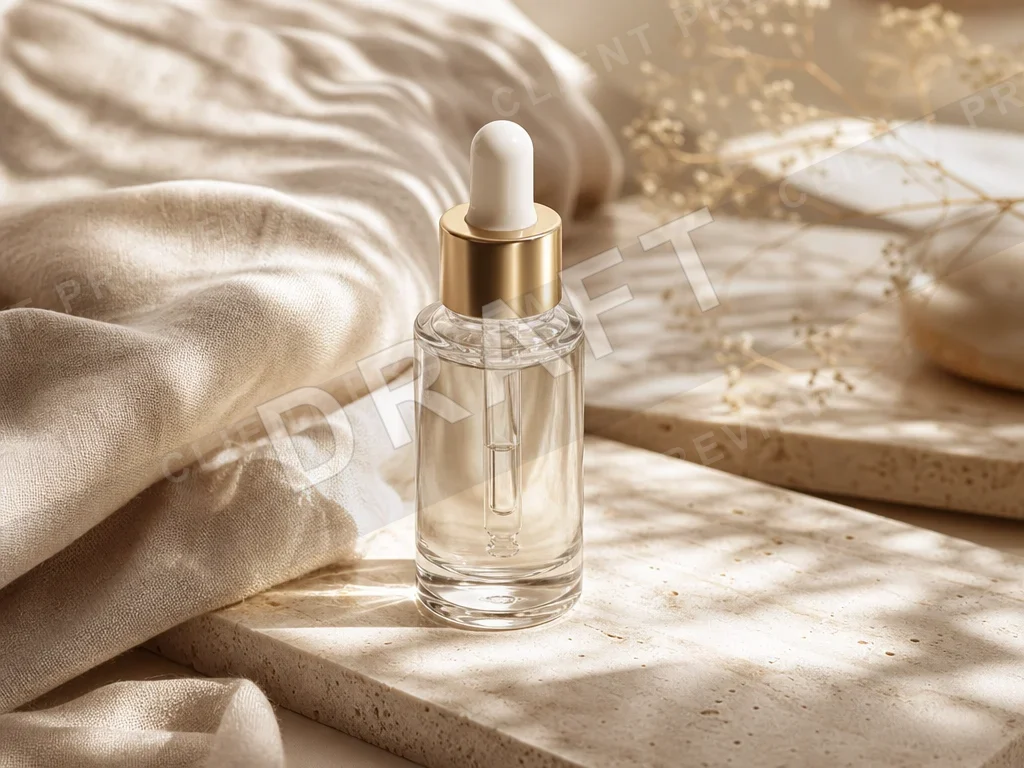
Product draft watermark removal
Clean a draft watermark and preview badge from a product image while preserving glass, fabric, stone texture, and soft sunlight.
Upload at least 1 image to continue.
Use AI cleanup when a watermark, preview stamp, logo, or text mark is baked into the image and you do not want to crop away important composition.
Each example starts with a watermarked draft and shows a clean image with the surrounding pixels preserved.
Product draft watermark removal
Clean a draft watermark and preview badge from a product image while preserving glass, fabric, stone texture, and soft sunlight.
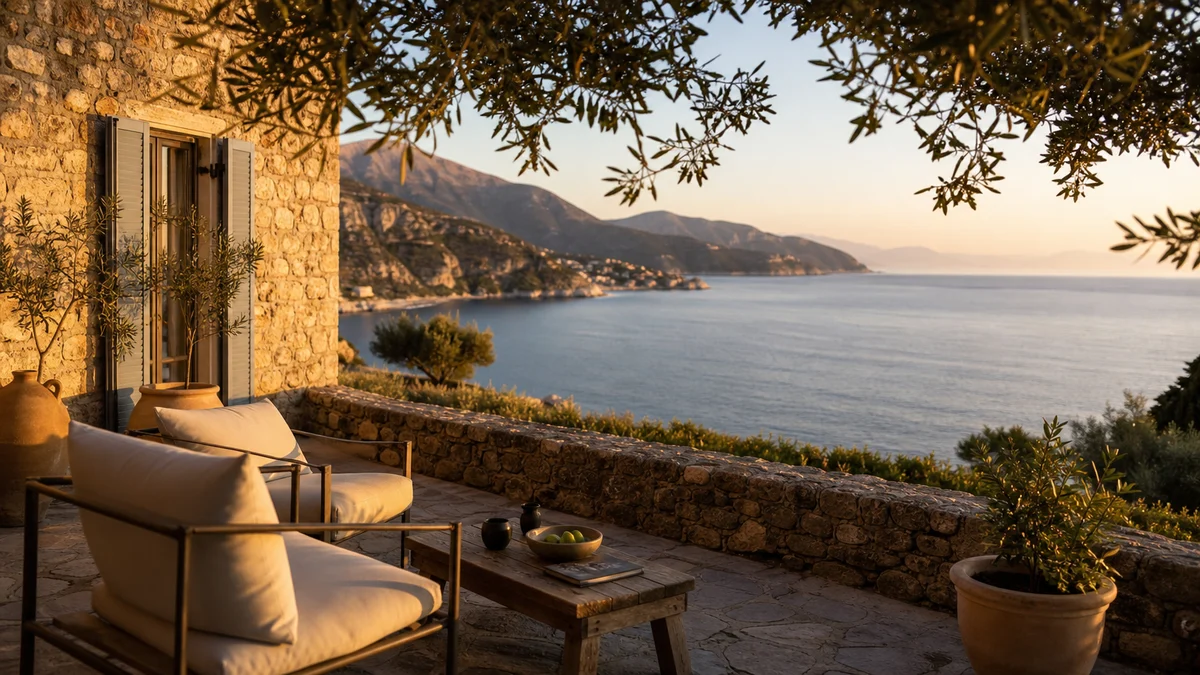
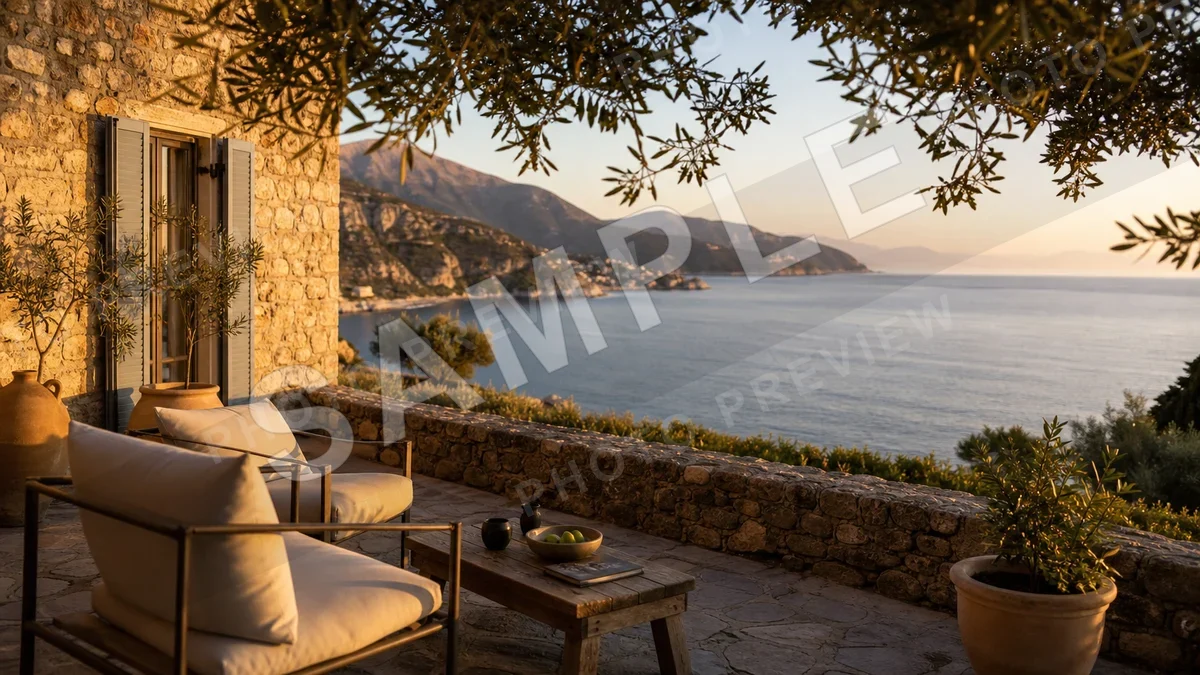
Travel photo sample cleanup
Remove a sample watermark from a licensed travel preview while keeping the terrace, sea view, and golden-hour atmosphere.
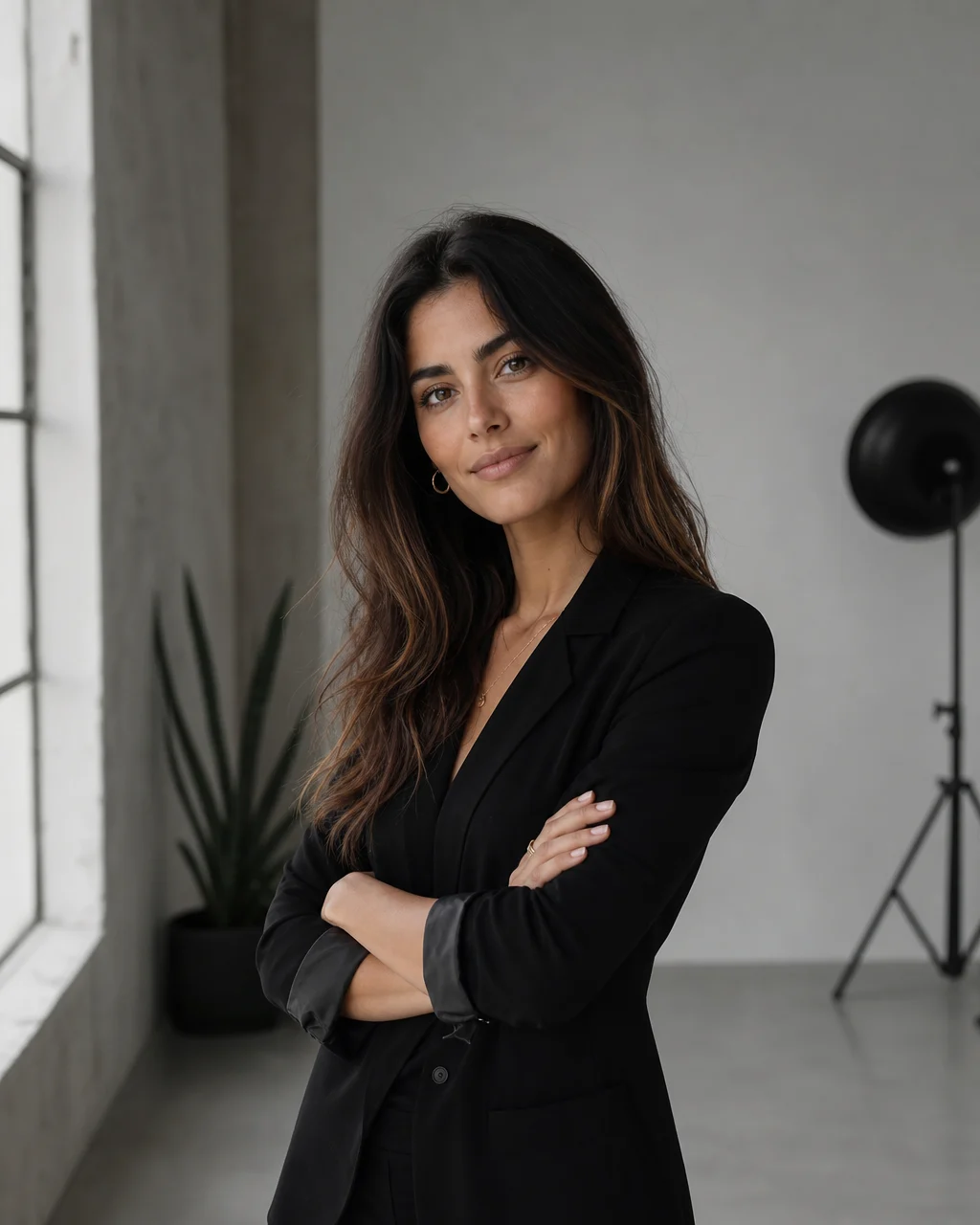
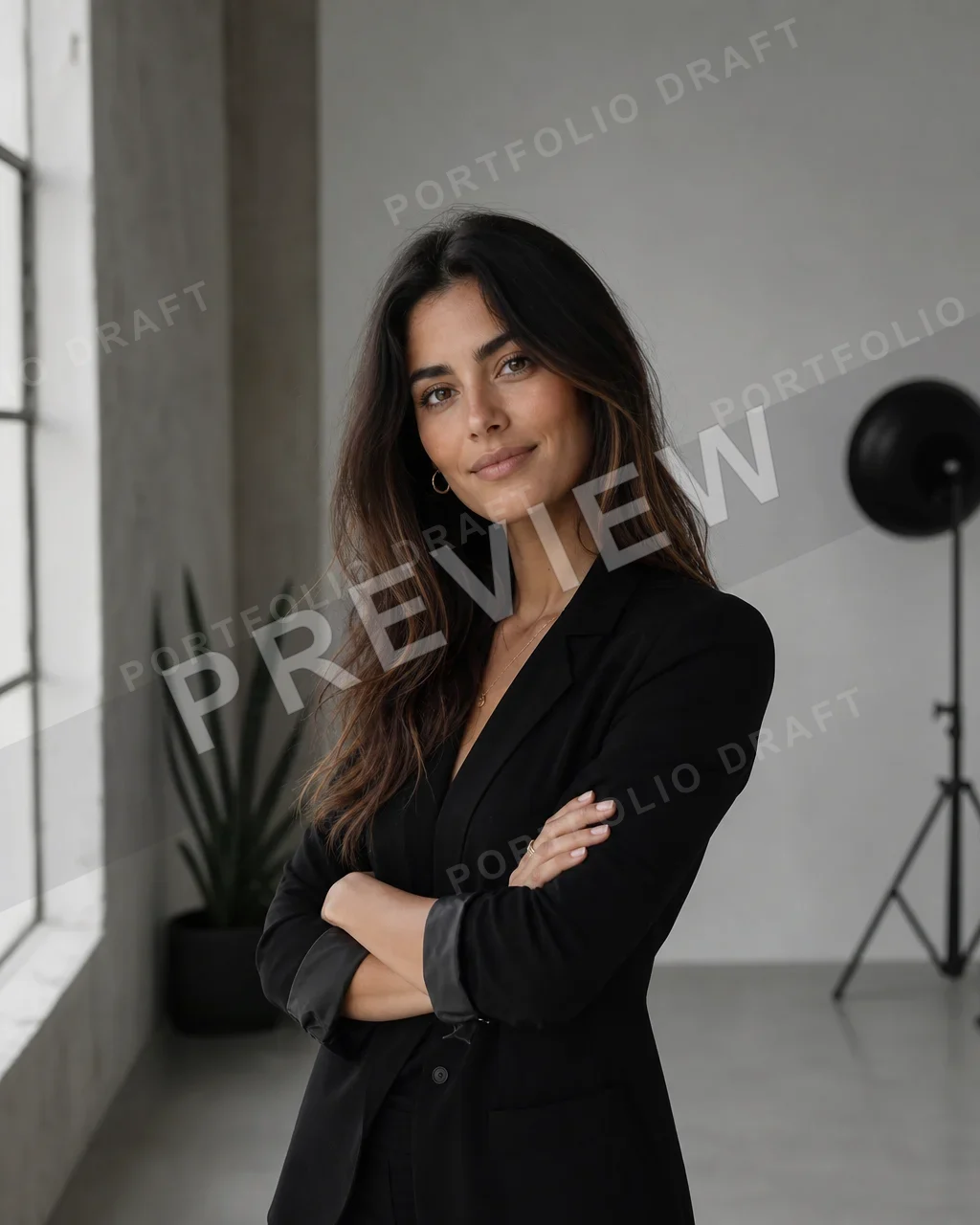
Portfolio proof cleanup
Clean a portfolio draft overlay from a portrait proof while preserving face detail, hair edges, jacket shape, and studio light.
Upload one image and remove visible watermark-style overlays online
Upload one image, clean visible draft marks or sample overlays, and keep the background as natural as possible.
AI watermark remover|Image cleanup|1 image|Draft marks, sample overlays, logos
Upload one image, optionally describe the mark, and generate a cleaner version online.
Choose a product proof, licensed preview, export draft, or photo you own and want to clean.
Leave the note blank for automatic watermark cleanup, or mention a specific stamp, logo, or overlay area.
GPT Image 2 removes the visible overlay and reconstructs nearby texture, lighting, edges, and shadows.
Use VizRise for image generation, cleanup, editing, and visual refinement from one workspace.
Built for draft marks, sample overlays, logo marks, and temporary export labels.
Common cleanup workflows for product proofs, design exports, creator drafts, and licensed previews.
Clean temporary draft marks from product visuals you created before reusing the approved image on a store, ad, or landing page.
Remove preview stamps, sample labels, and temporary export marks from flattened design drafts when you no longer have layers.
Clean your own portfolio proofs, social visuals, and creator images before publishing final versions.
Use cleanup only after you have the rights to edit or publish the image. Do not remove ownership marks from someone else's work.
Clean images you own, drafts you created, or assets you are allowed to edit.
VizRise is built for cleaning images you own, licensed assets you are allowed to edit, and drafts you created. Do not use it to hide ownership, remove copyright notices, or misrepresent someone else's work.
Answers about watermark cleanup, background repair, free credits, logos, and responsible use.
Upload one image, leave the note blank for automatic cleanup, and generate a clean version. The tool asks GPT Image 2 to remove watermark-style overlays and reconstruct the covered background.
New users can try VizRise with 3 free credits. After those credits are used, watermark cleanup uses your normal VizRise credit balance.
It can clean visible logo overlays, draft labels, sample stamps, and text marks when you own or have permission to edit the image. For normal text-only cleanup, the Remove Text from Image tool is more focused.
The prompt is designed to rebuild the covered pixels naturally, not simply blur the mark. Results can vary when the watermark covers complex faces, hands, patterns, or tiny details.
Yes. Add a short note such as 'remove the diagonal SAMPLE mark only' or 'remove the top-left preview badge but keep the product label'.
Only if you have the right to edit and publish that image. Do not use this tool to remove rights marks, ownership notices, or protected branding from someone else's content.
For quick watermark-style cleanup, it is faster than manual clone-stamp work. For precise professional retouching, layered editing, or print-grade cleanup, a full editor may still be better.
No. VizRise runs in your browser, so you can upload an image, clean it with AI, and save the result from your image history.
Upload one image, clean visible draft marks or sample overlays, and keep the background as natural as possible.