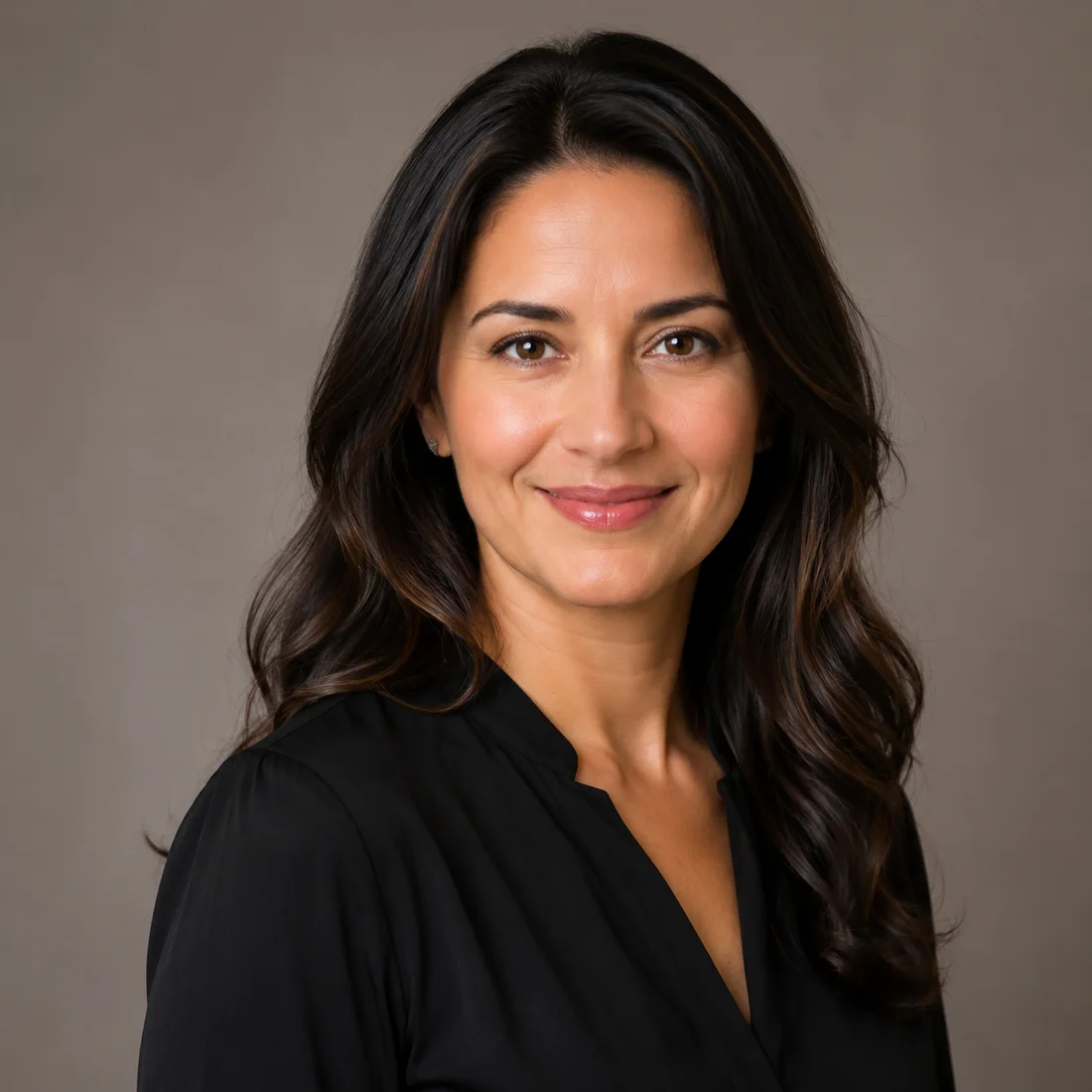
Professional AI headshot
Generate a clean business portrait with natural skin texture, neutral lighting, and a profile-ready composition.
Upload at least 1 image to continue.
The Style buttons map to common user goals: a clean work headshot, a creator profile picture, or a founder/team bio portrait.
Examples show practical professional, creator, and founder portrait directions for uploaded photos.
Professional AI headshot
Generate a clean business portrait with natural skin texture, neutral lighting, and a profile-ready composition.
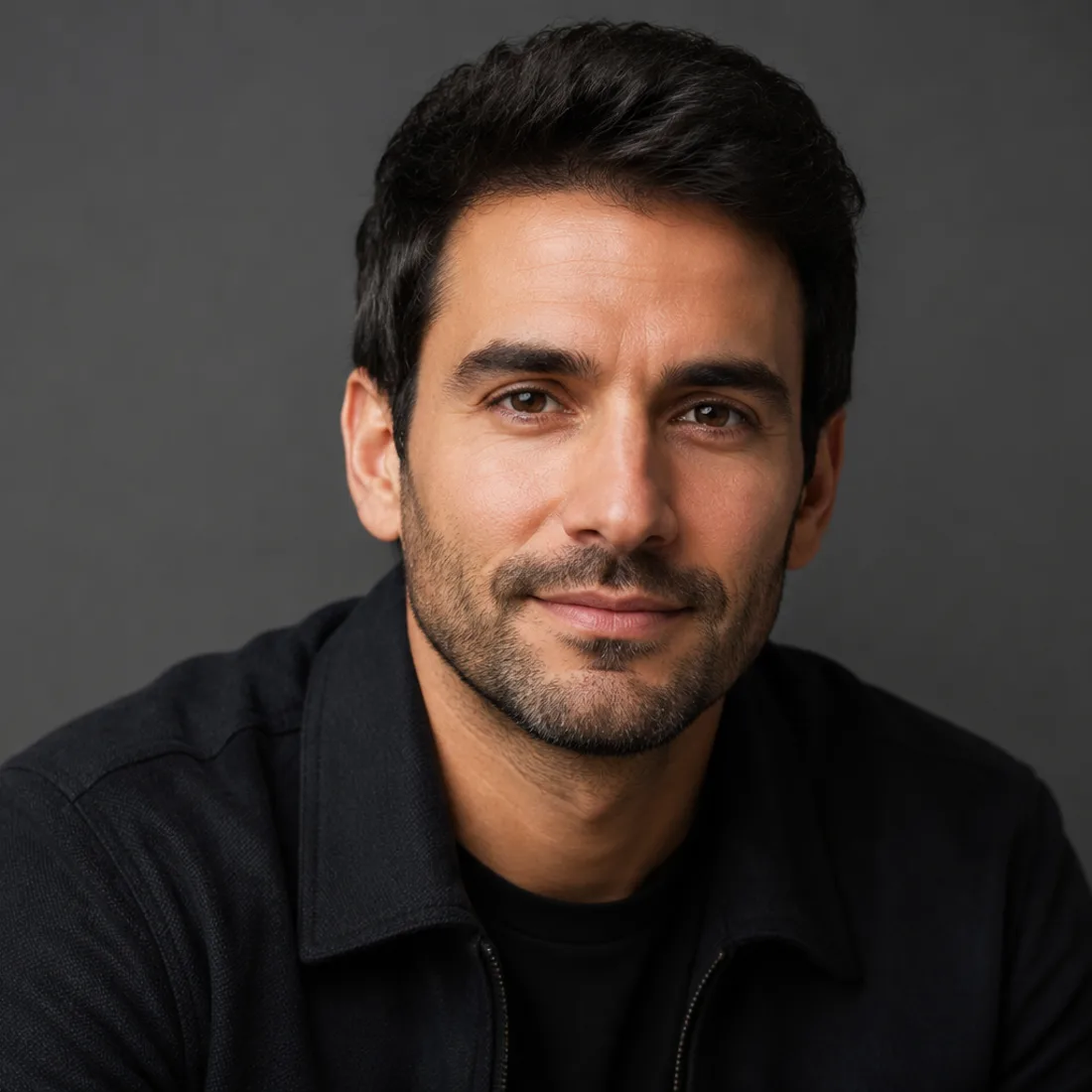
Creator profile portrait
Create a modern social avatar with cinematic lighting, strong face detail, and a polished creator-brand feel.
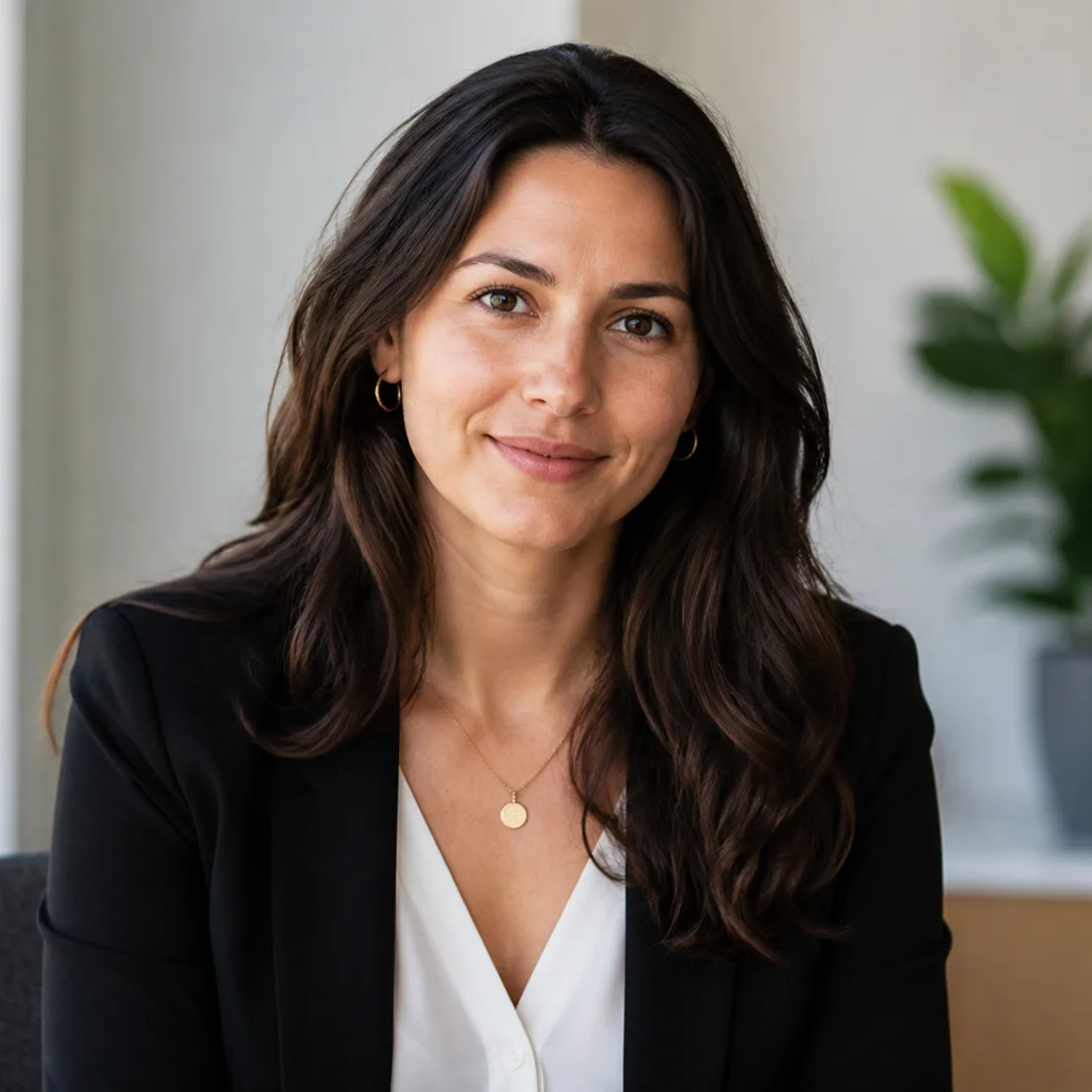
Founder bio portrait
Create a warm, approachable portrait for founder pages, team bios, speaker profiles, and personal websites.
Upload one photo and generate a polished AI portrait
Upload one photo, choose a portrait style, and create a polished headshot, profile picture, or founder bio portrait.
AI portrait generator|Image-to-image portrait creation|1 uploaded photo|Professional, Creator, Founder
Upload a clear portrait, choose a style, add optional direction, and generate a polished AI portrait.
Choose a clear face photo or half-body portrait. Good lighting and visible facial detail help the AI preserve identity.
Use Professional for work headshots, Creator for social profiles, or Founder for about-page and team bio portraits.
GPT Image 2 transforms the uploaded photo into a polished portrait while keeping the person recognizable.
Use VizRise for AI portrait generation, headshots, image cleanup, reference blending, and creative photo transformations.
Built for style presets, identity preservation, clean lighting, and profile-ready portrait output.
Create professional headshots, creator avatars, founder bios, dating photos, and profile-ready images.
Create clean headshot-style portraits for LinkedIn, resumes, About pages, pitch decks, and team profile images.
Make profile images for YouTube, TikTok, Instagram, X, newsletters, and personal brand pages.
Create consistent portraits for About pages, team pages, speaker bios, newsletters, and startup profiles.
Upgrade casual portraits into cleaner, more confident profile photos while keeping the same person recognizable.
Create consistent portrait directions for portfolios, founder pages, speaker bios, and creator kits.
Use photos you own or have permission to edit, and avoid deceptive identity use.
Use your own photos or images you have permission to edit. Avoid impersonation, deceptive identity claims, or generating portraits that mislead viewers about a real person.
Answers about uploaded photos, free credits, headshots, profile pictures, identity preservation, and image quality.
An AI portrait generator turns an uploaded photo into a polished portrait style, such as a professional headshot, creator profile picture, or founder bio portrait.
Yes. Upload one clear photo, choose a style preset, optionally add instructions, and click Generate Portrait.
You can view the page without logging in. New users can try the AI portrait generator with 3 free credits. After those credits are used, generation uses your normal VizRise credit balance.
The prompt is designed to preserve the same person's identity, face shape, age, hair, expression, and natural details. Results can still vary, so clear source photos work best.
Yes. Choose the Professional style for a clean studio-style headshot suitable for work profiles, resumes, and business pages.
Yes. Choose Creator for a social-ready profile picture, or Founder for a cleaner about-page portrait direction.
Use a clear portrait with visible eyes, moderate lighting, and minimal motion blur. Tiny faces, sunglasses, heavy shadows, or extreme angles can reduce quality.
No. VizRise runs in your browser. Upload your photo, generate the portrait, and save it from your image history.
Upload one photo, choose a portrait style, and create a polished headshot, profile picture, or founder bio portrait.