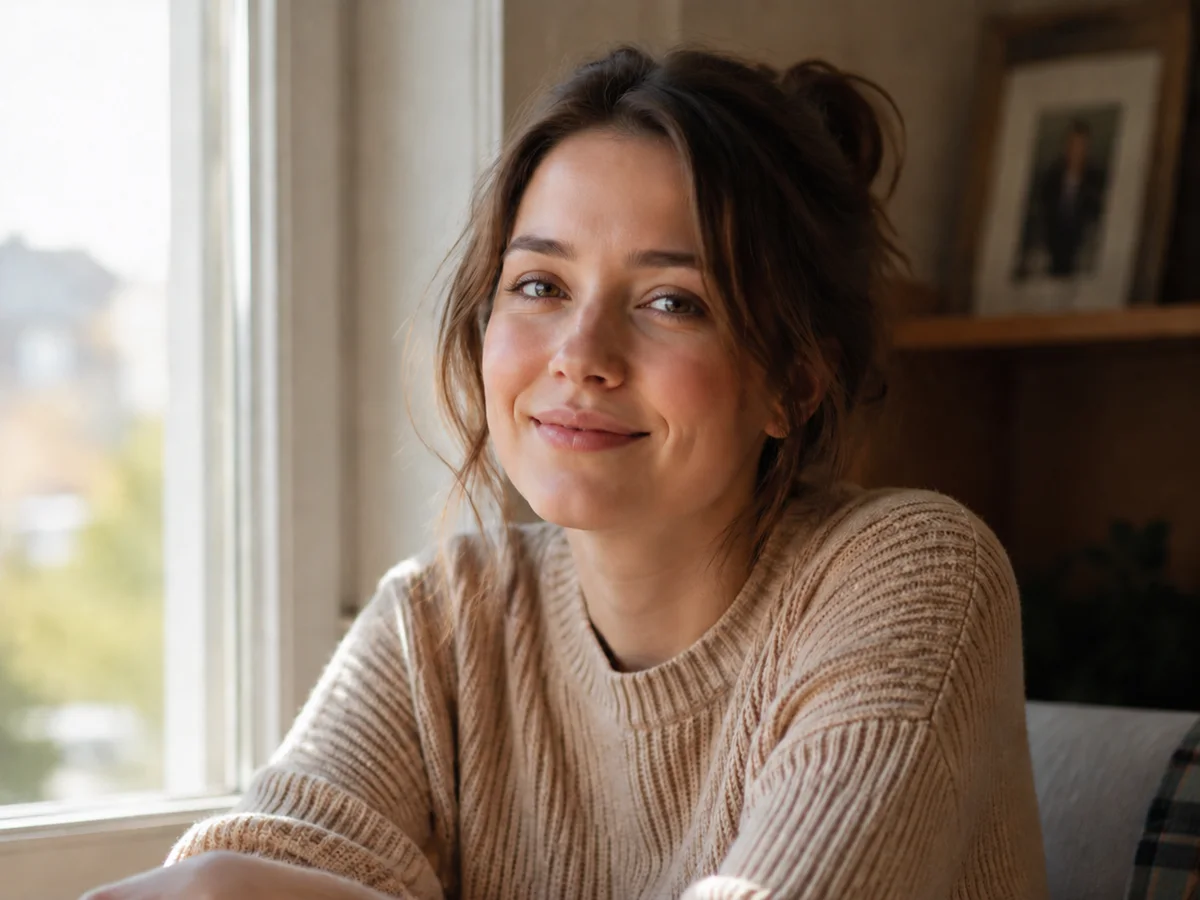
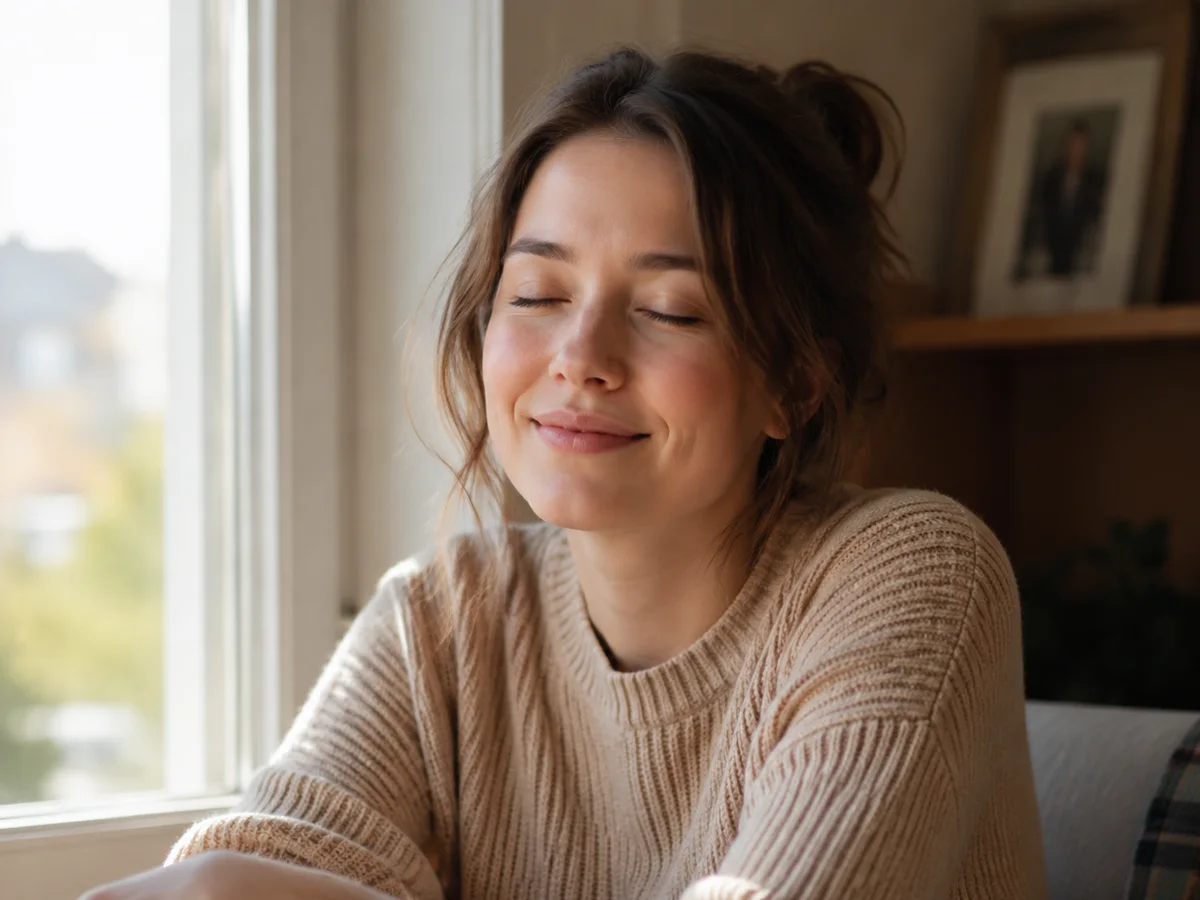
Portrait closed-eye repair
Open closed eyes in a warm window-light portrait while keeping the same smile, sweater, face, and background.
Upload at least 1 image to continue.
A blink can ruin an otherwise strong photo. This tool focuses on the smallest useful edit: opening eyes without rebuilding the entire scene.
Examples show closed-eye portraits, group photos, and creator shots repaired with natural eye detail.
Portrait closed-eye repair
Open closed eyes in a warm window-light portrait while keeping the same smile, sweater, face, and background.
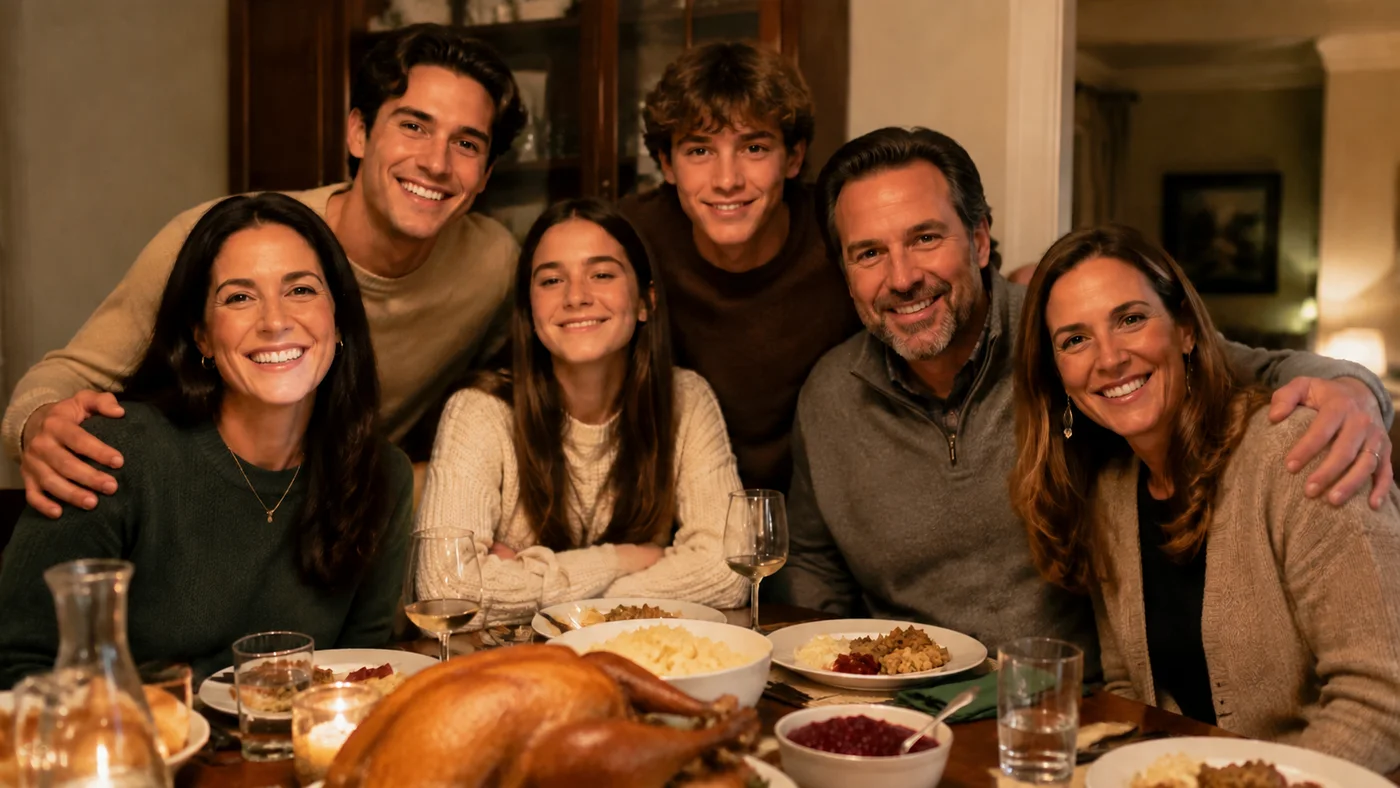
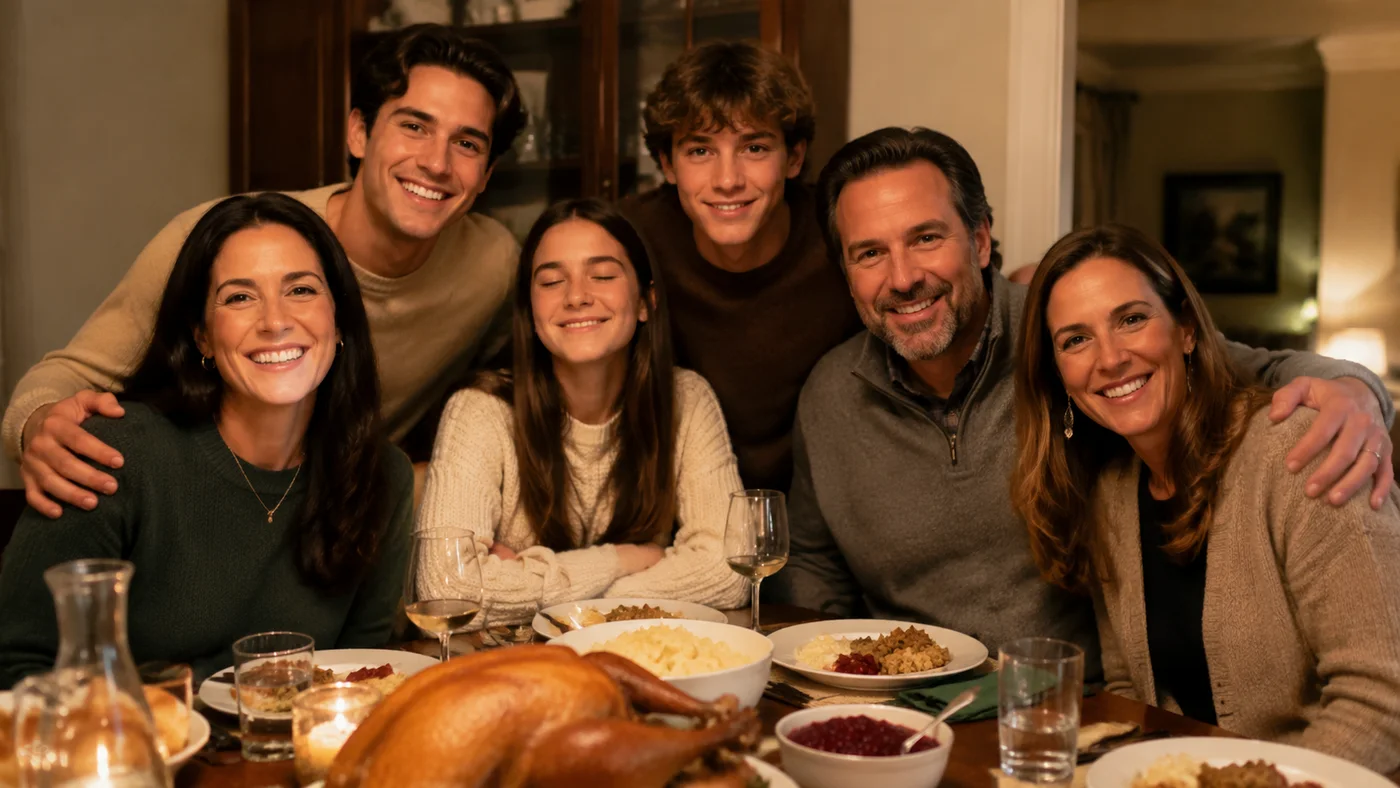
Group photo blink fix
Repair one blinking person in a family-style group photo without changing everyone else in the scene.
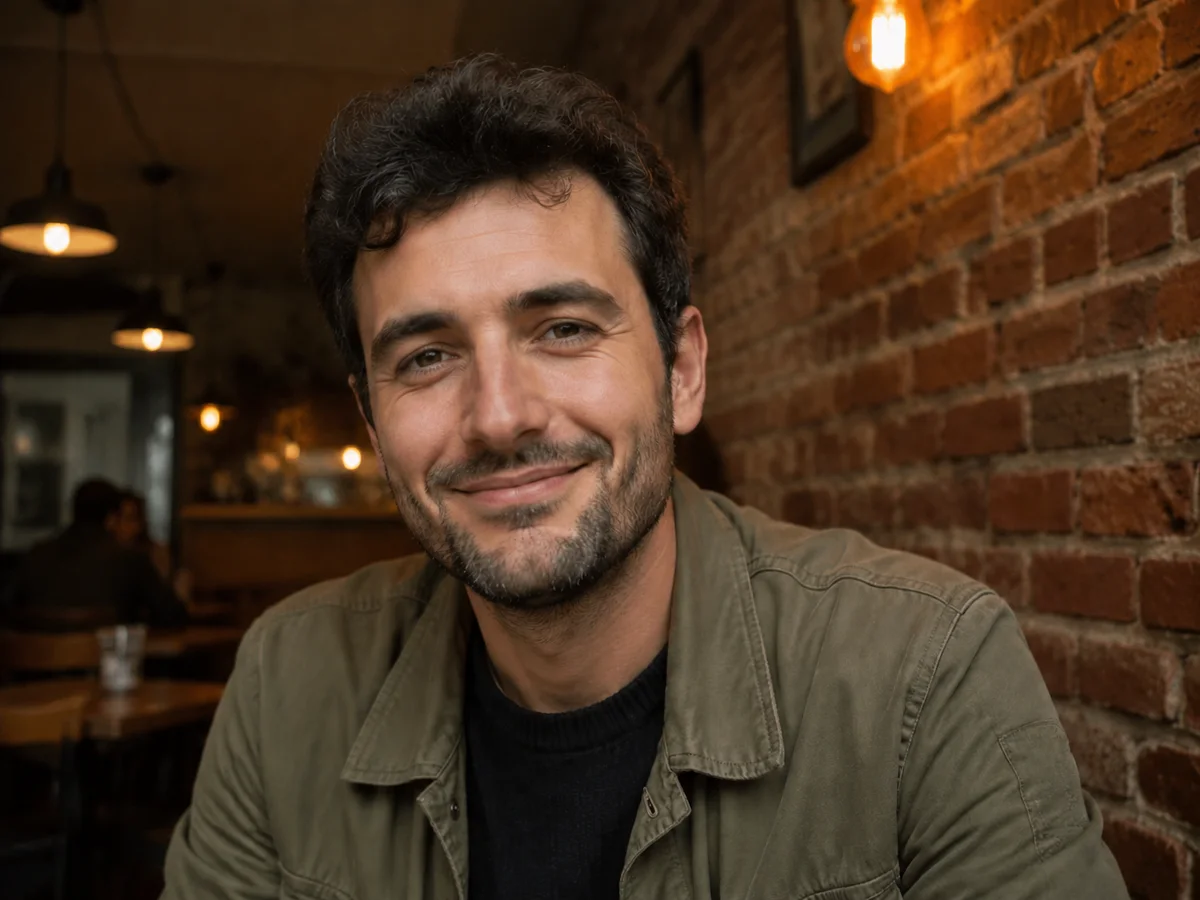
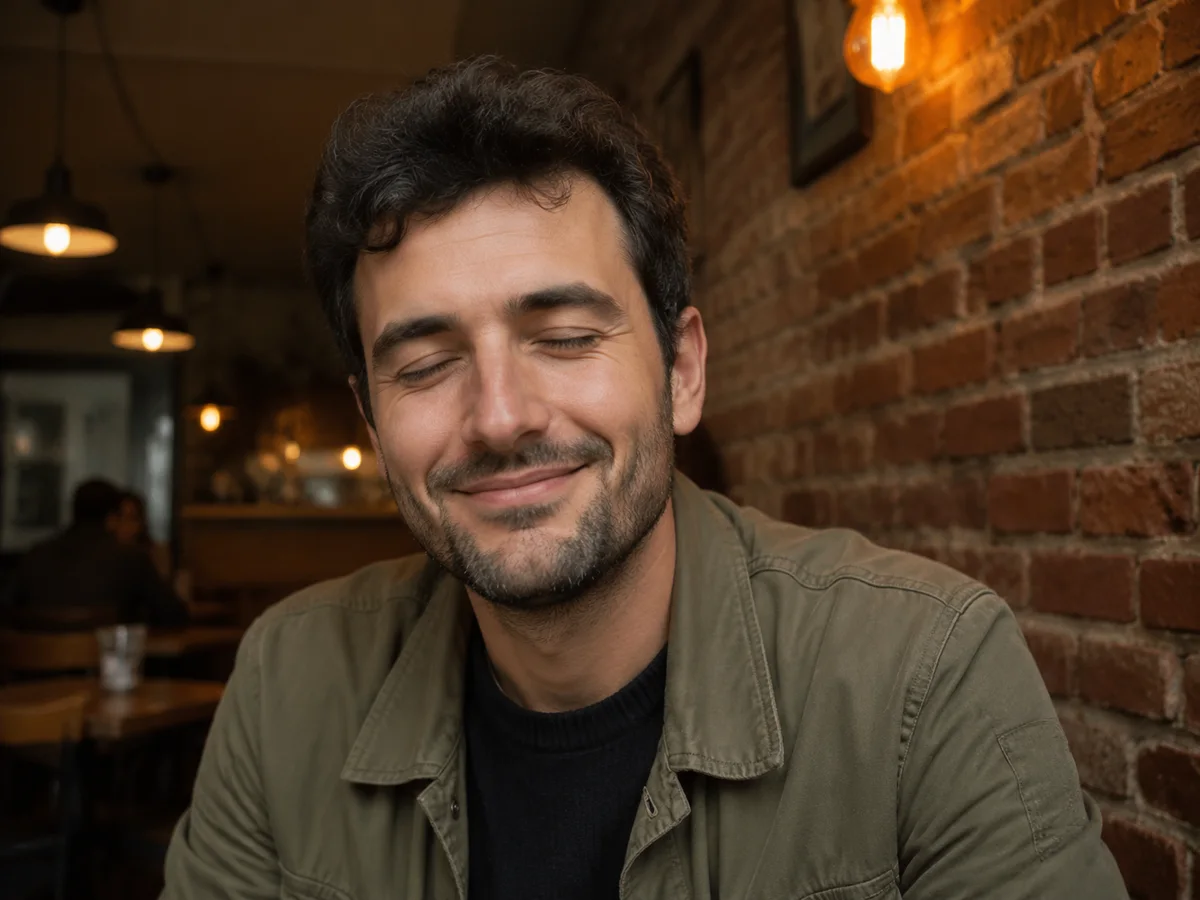
Creator profile eye repair
Fix an accidental blink in a casual creator photo while preserving the same cafe light, face, and relaxed expression.
Open closed eyes in portraits and group photos online
Upload one blinking portrait or group photo and generate a natural open-eye version online.
AI open eyes|Image-to-image eye repair|1 photo|Blinks, closed eyes, group photos
Upload a photo, optionally say whose eyes to open, and generate a natural repaired version.
Choose a portrait or group photo where someone blinked or had closed eyes at the wrong moment.
Leave it blank for automatic repair, or write something like 'open the person in the center's eyes only'.
GPT Image 2 opens the closed eyes naturally while preserving the rest of the photo as much as possible.
Use VizRise for open-eye repair, portrait generation, background removal, image cleanup, and creative photo editing.
Built for blink repair, group photos, natural eye detail, and identity preservation.
Repair family pictures, event shots, creator portraits, team photos, and one-time memories.
Save one-time moments when someone blinked in a family dinner, vacation photo, holiday picture, or group snapshot.
Repair closed eyes in event images when the pose, lighting, and group arrangement are otherwise strong.
Fix blinking shots for profile pictures, thumbnails, social posts, newsletters, and personal brand photos.
Open eyes in group photos where one person blinked, without retouching the rest of the team or class.
Use it as a focused portrait repair tool when you want eyes fixed without changing the person into a new AI portrait.
Rescue older photos that cannot be reshot and reuse them in posts, albums, slides, or web pages.
Open eyes carefully while preserving the original photo instead of rebuilding it as a new portrait.
AI Open Eyes works best when the closed eyes are visible, the face is not too tiny, and the photo is not heavily blurred. For group photos, add a note if only one person should be repaired.
Answers about fixing blinking, repairing group photos, free credits, face preservation, and best image quality.
Upload the photo, leave the instruction blank for automatic repair, or mention whose eyes to open. VizRise asks GPT Image 2 to open the eyes naturally while preserving the rest of the image.
Yes. If only one person blinked, add a note such as 'open the woman in the center's eyes only' so the model does not alter everyone else.
You can view the page without logging in. New users can try AI Open Eyes with 3 free credits. After those credits are used, generation uses your normal VizRise credit balance.
The built-in prompt is designed to preserve the same person, smile, face shape, expression, hair, clothing, lighting, and background. Results can still vary, so clear photos work best.
Yes. It can open both closed eyes when the face is clear enough. If the face is very small, blurred, or turned away, quality may be lower.
Yes. The same workflow works for blinking, sleepy eyes, half-closed eyes, or accidental squints.
It can help, but heavily blurred, compressed, or tiny faces are harder. Use the clearest available image for better eye detail.
No. VizRise runs in your browser. Upload a photo, generate the repaired version, and save it from your image history.
Upload one blinking portrait or group photo and generate a natural open-eye version online.