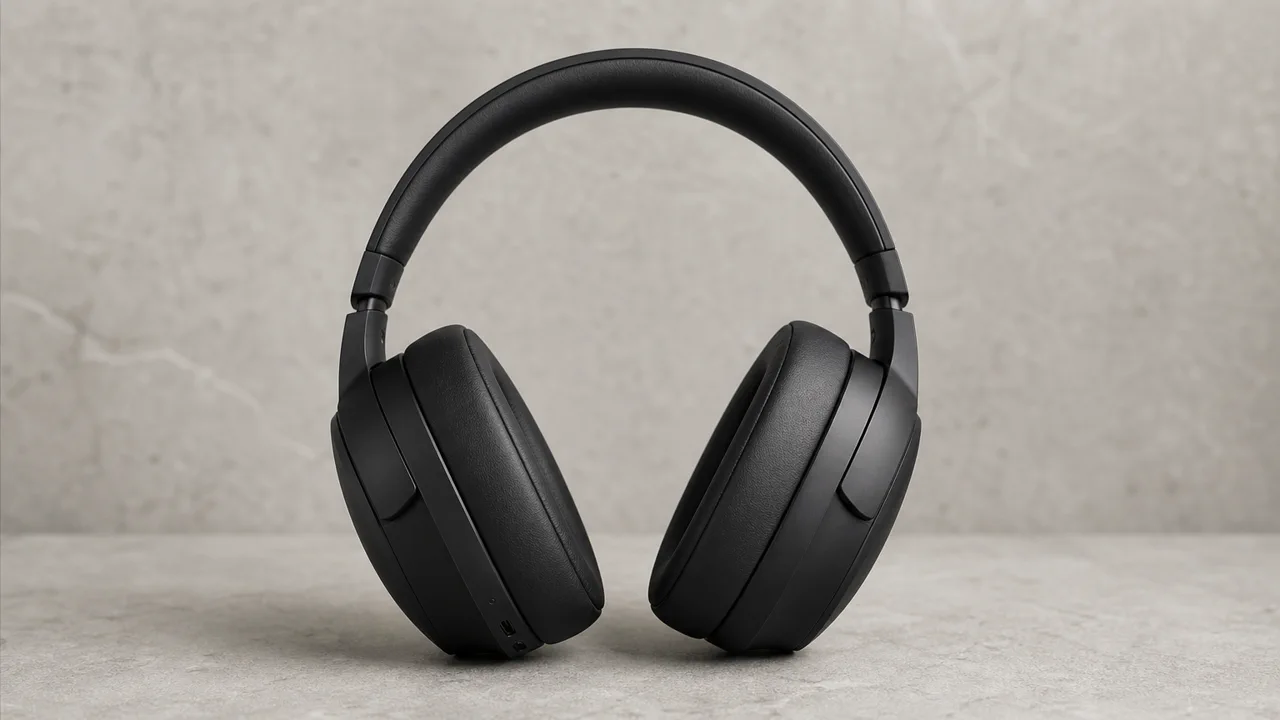
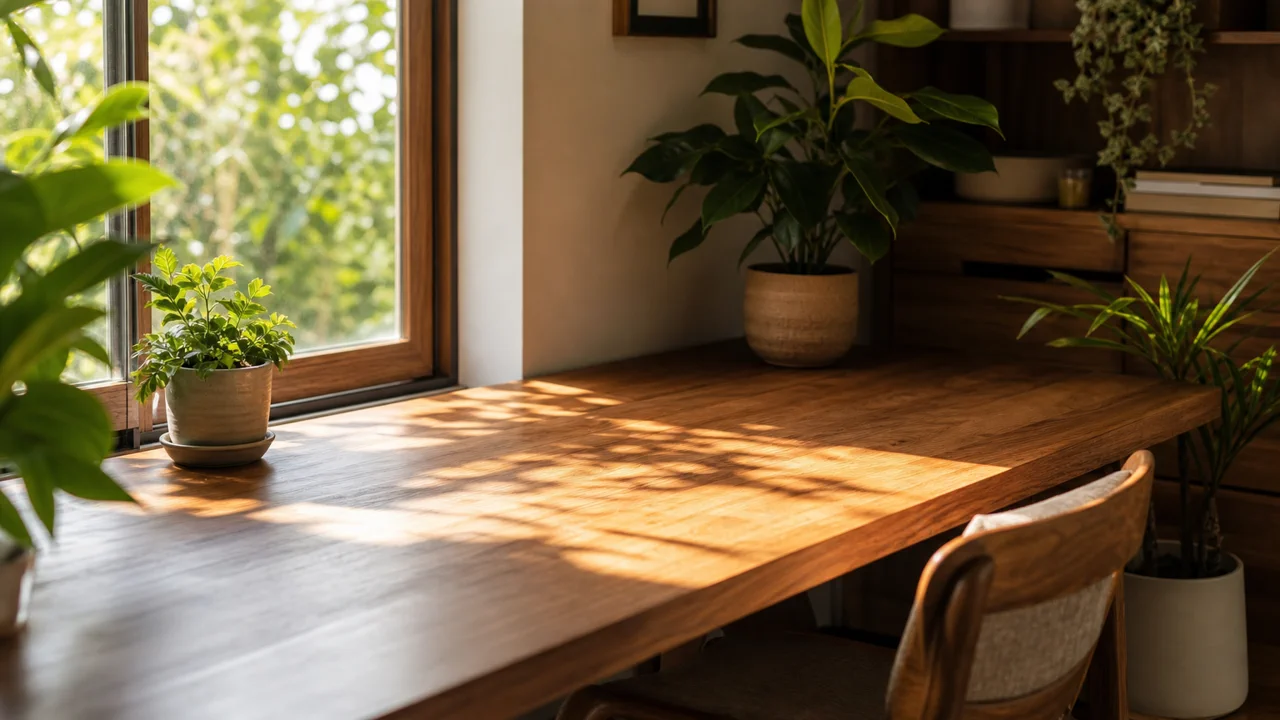
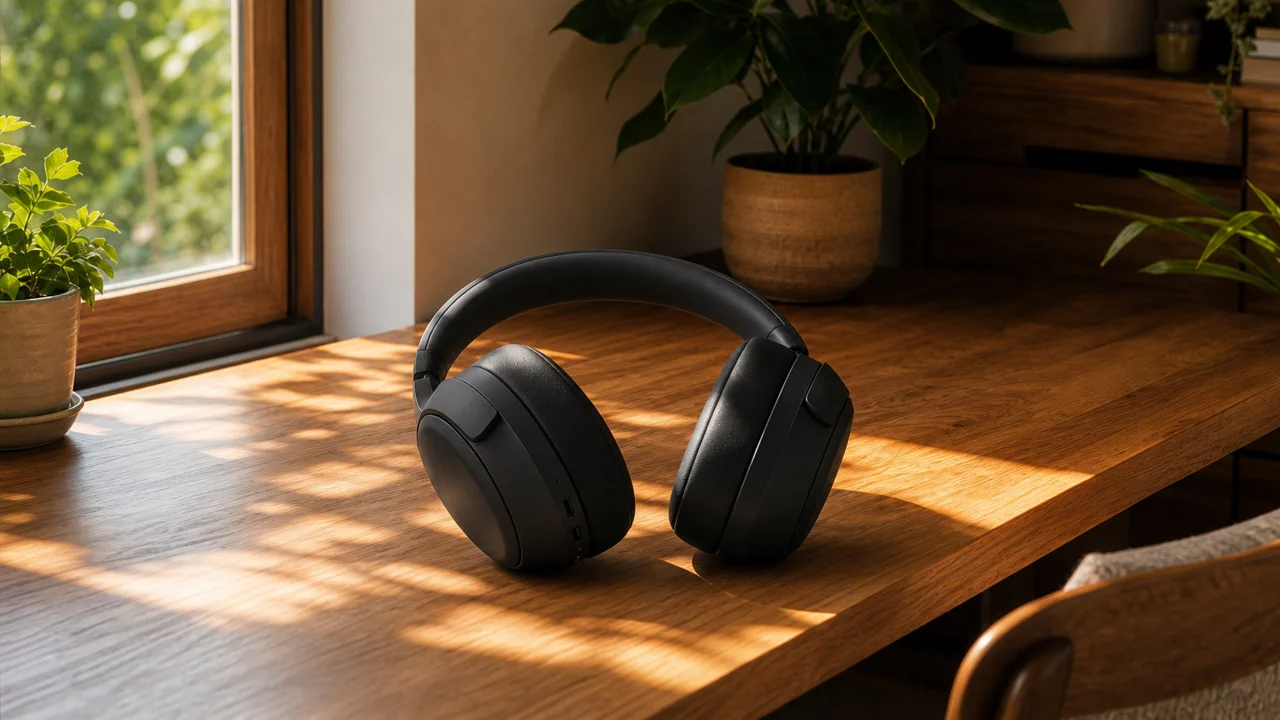
Product into scene
Use one reference for the product and another for the environment, then generate a finished campaign image.
Upload at least 2 images to continue.
Use the AI image combiner when you want a new image inspired by several references, not a side-by-side collage or manual paste-up.
Each example shows source references and the single generated image made from them.
Product into scene
Use one reference for the product and another for the environment, then generate a finished campaign image.
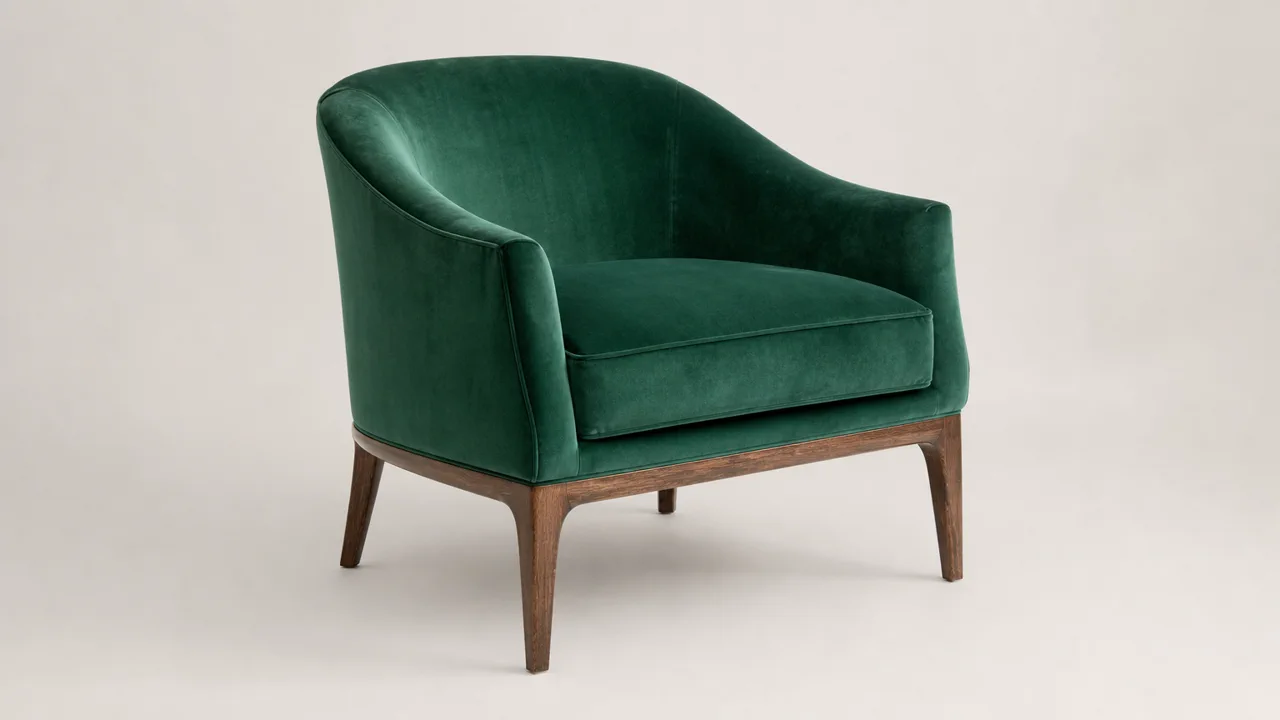
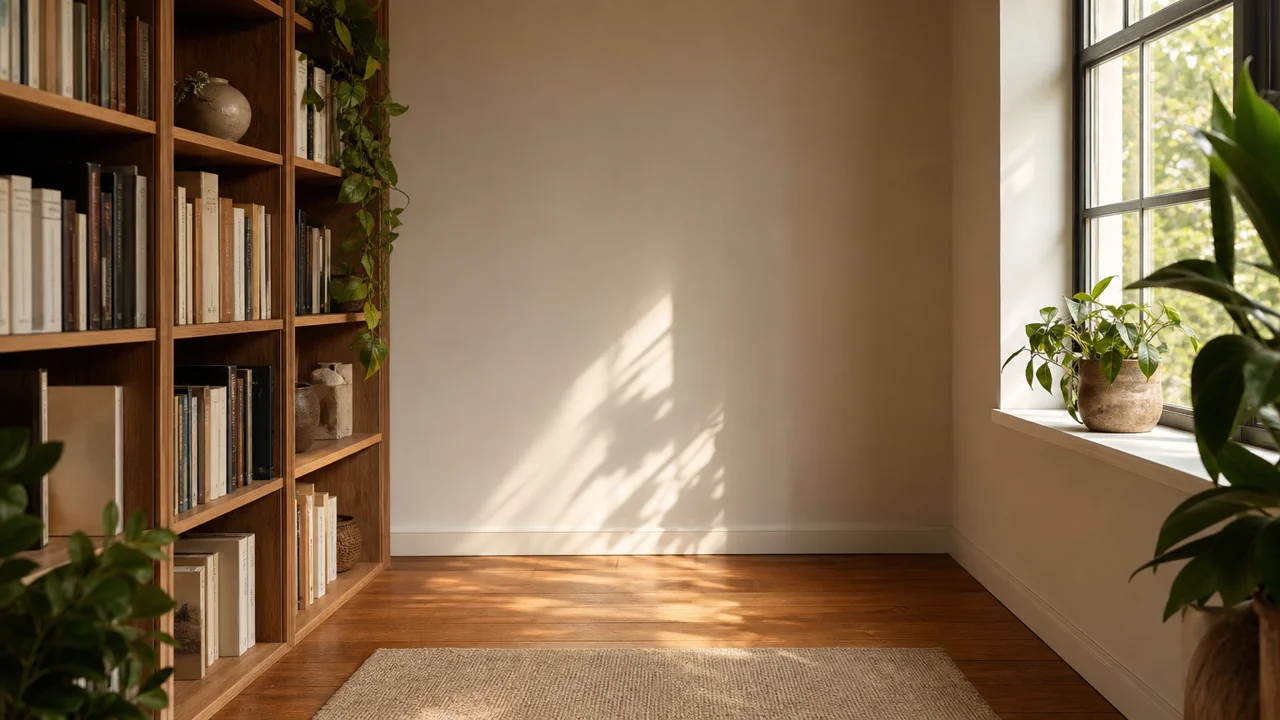
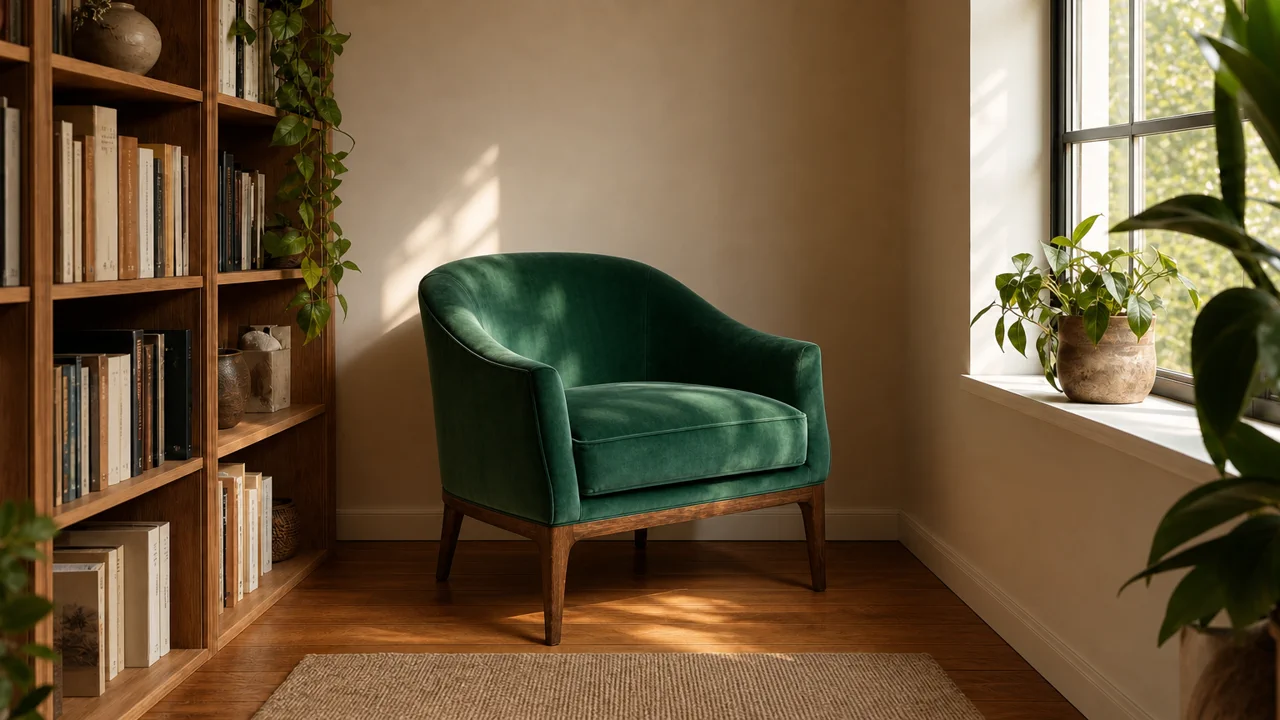
Furniture into room
Combine a product reference with an empty interior so the final image keeps the room perspective and lighting.
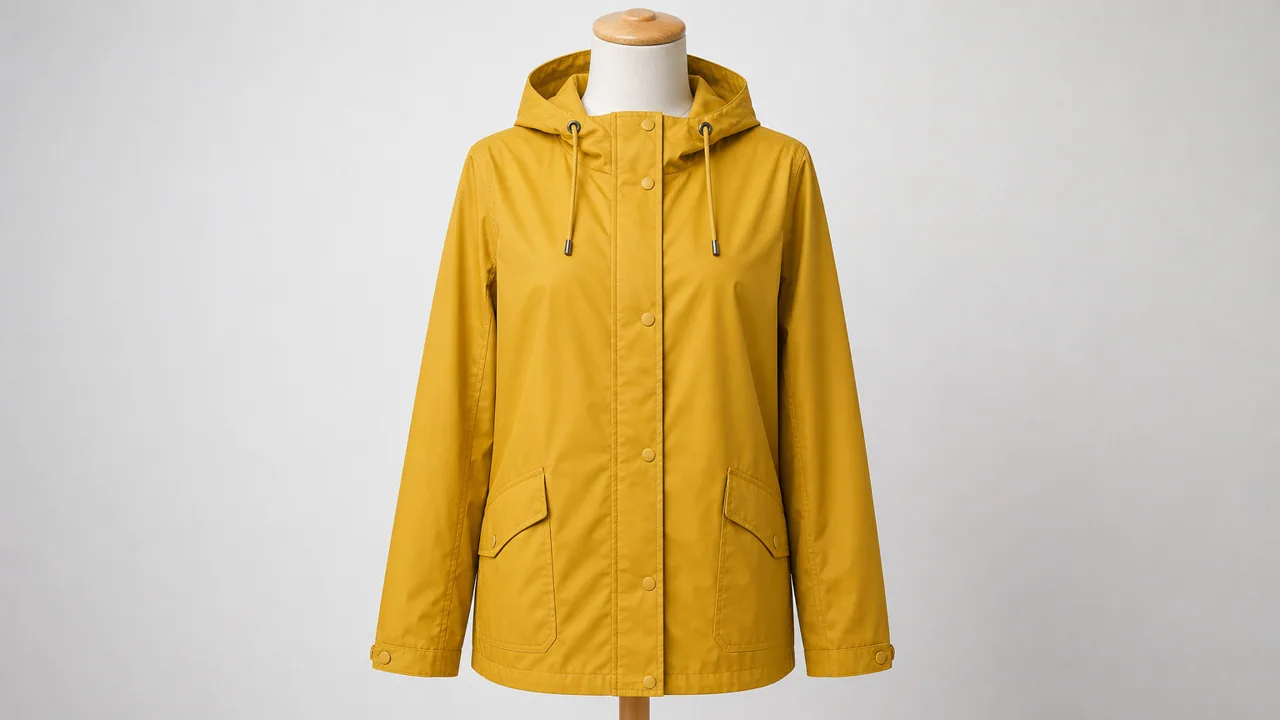
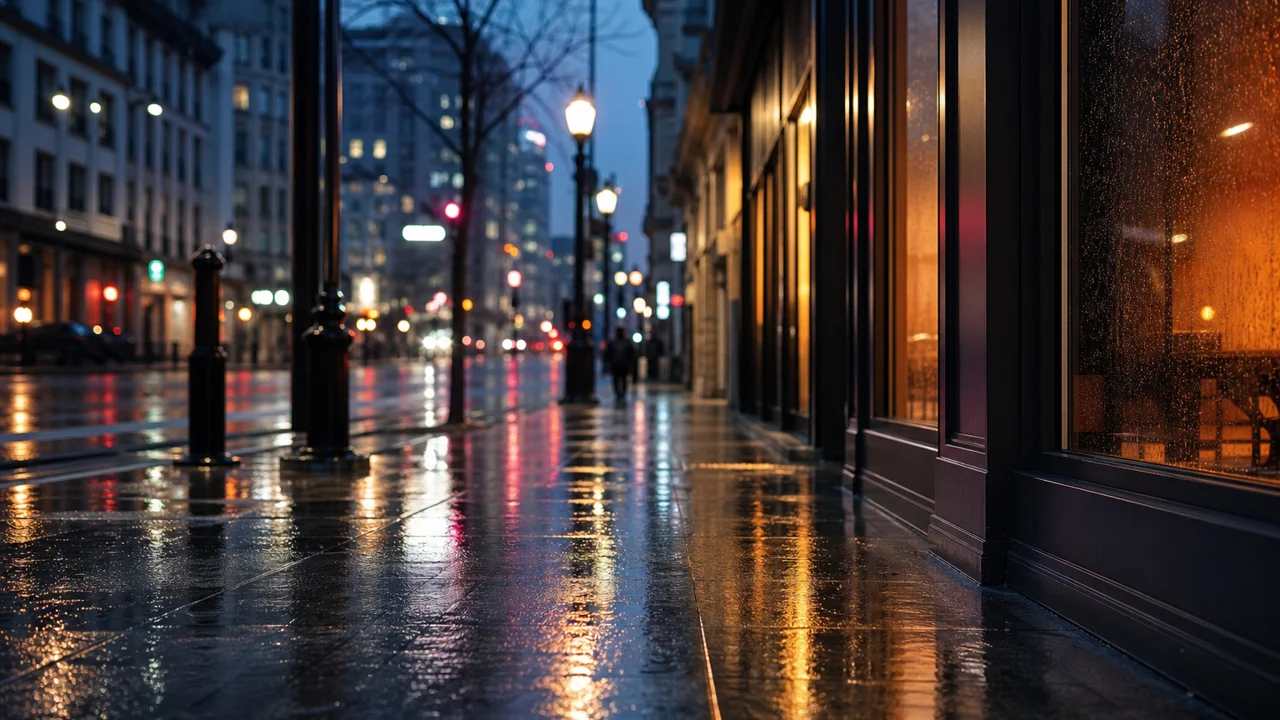
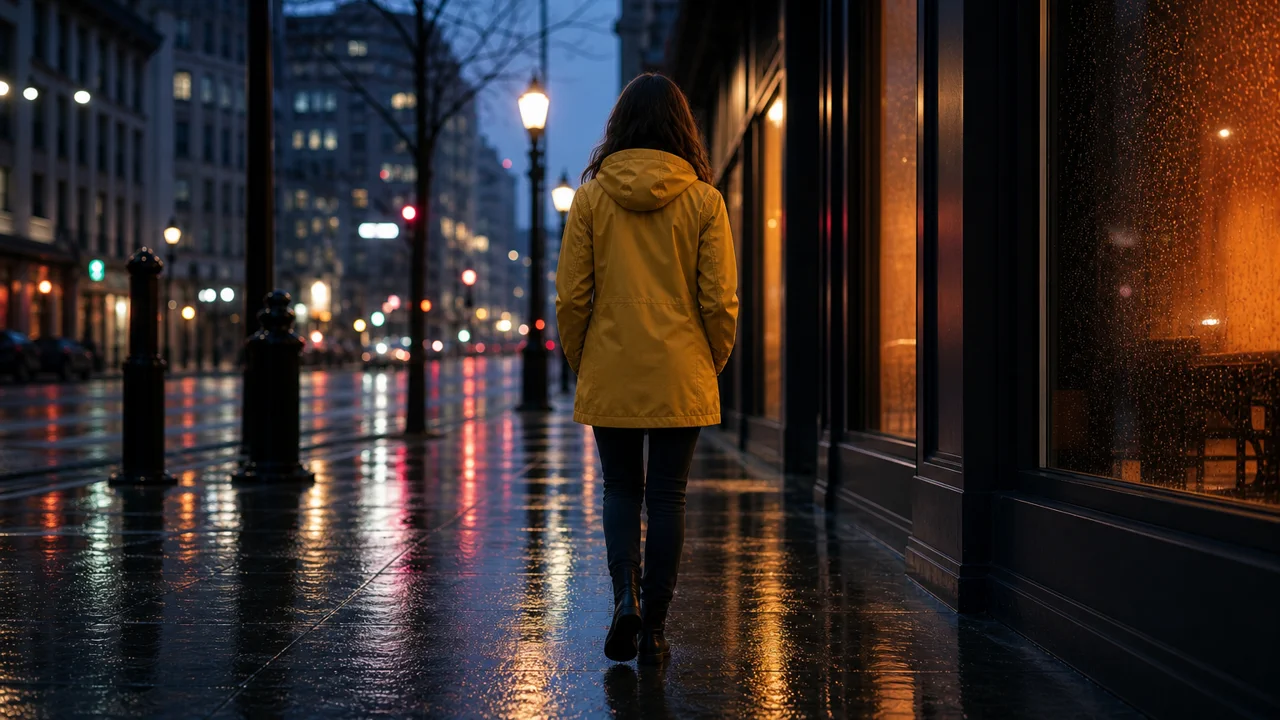
Outfit into location
Use an outfit reference and a location reference to create a single lifestyle image with matched mood and rain lighting.
Upload 2 to 4 images and combine them into one generated image
Upload multiple references, describe the final image, and generate one blended visual in your browser.
AI image combiner|Multi-image reference generation|2 to 4 images|Products, scenes, styles, concepts
Upload references, describe the final scene, and generate one coherent image.
Add the images you want the model to use, such as a product, background, outfit, room, mood board, or style reference.
Tell VizRise what should be combined. Natural instructions work well, like 'put this product into this room' or 'use this lighting style'.
GPT Image 2 uses the references and prompt to create a single image with matched lighting, scale, perspective, and composition.
Use VizRise for image generation, editing, cleanup, and multi-reference creative workflows.
Built for combining subjects, backgrounds, products, styles, and mood references into one image.
Common workflows for people searching for an online AI image combiner or multi-image generator.
Combine a product image with a scene, desk, room, or lifestyle background to explore ad and ecommerce visuals.
Turn several reference images into one concept visual that captures the palette, lighting, subject, and atmosphere.
Generate campaign visuals by combining a subject reference, style reference, and platform-specific composition idea.
Use references responsibly to explore lighting, clothing, background, and editorial style without implying identity changes or impersonation.
Use reference images you own or have permission to use, and avoid deceptive identity edits.
Only upload images you own or are allowed to use. Do not use image combining to impersonate people, create deceptive identity edits, or misuse someone else's private images.
Answers about combining two images, using prompts, free credits, and responsible reference uploads.
An AI image combiner uses two or more uploaded images as references and generates one new image that blends the requested subject, background, style, lighting, or composition.
Yes. Upload two images, then describe how they should be merged. For example, use one image as the product and the other as the room or scene.
Yes. This tool accepts 2 to 4 image references on the focused page. GPT Image 2 can support more references in the main image workspace, but fewer references usually produce clearer results.
New users can try VizRise with 3 free credits. After those credits are used, image combining uses your normal VizRise credit balance.
A prompt is optional, but it helps. Plain instructions are enough, such as 'put image 1 product into image 2 background' or 'use image 3 as the lighting style'.
No. A collage keeps images side by side. This tool is meant to create one new image that blends the references into a unified scene.
Use face and person references carefully. The tool is for legitimate creative work, not impersonation, deceptive identity edits, or private image misuse.
AI image combining generates a new image from references, so it may reinterpret details. Use fewer references and clearer instructions when exact subject priority matters.
Upload multiple references, describe the final image, and generate one blended visual in your browser.