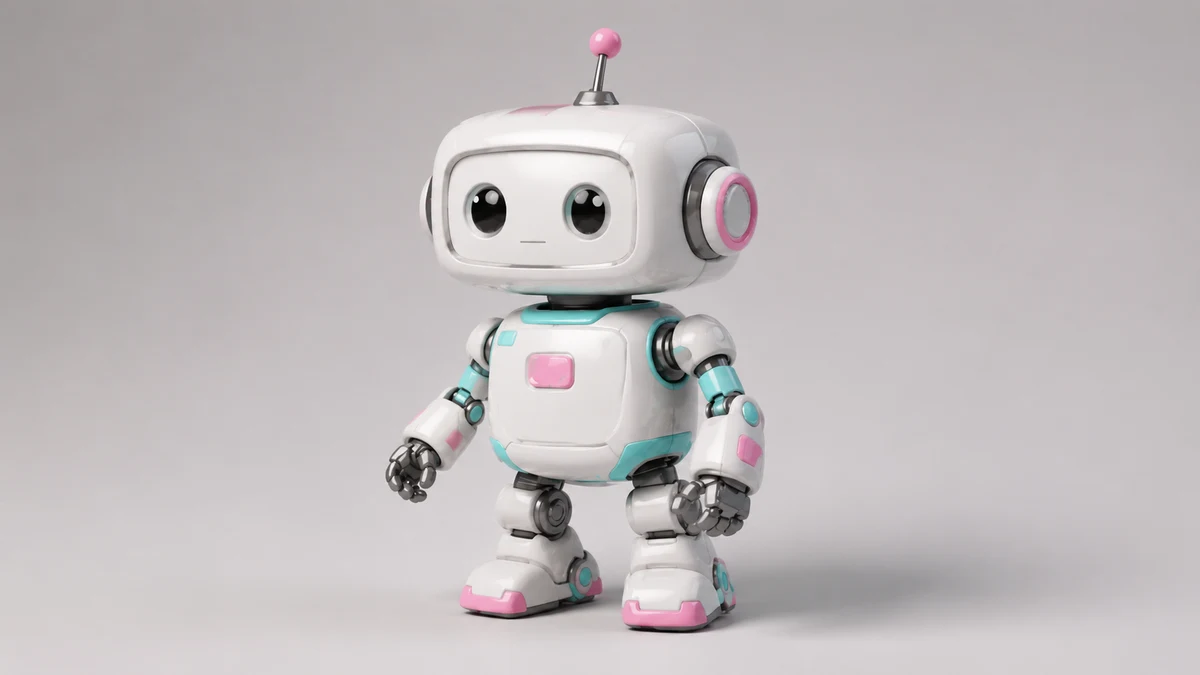
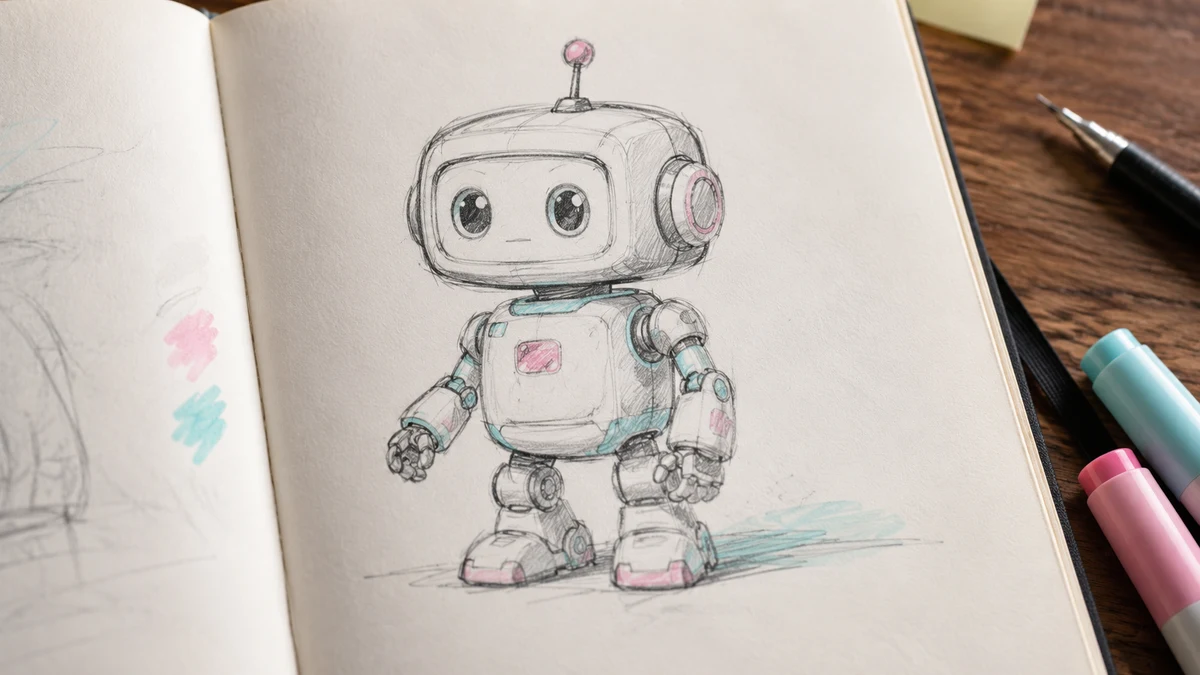
Robot sketch to 3D toy
Convert a simple robot sketch into a polished 3D-style toy with rounded volume, material shading, and soft shadow.
Upload at least 1 image to continue.
This 2D to 3D converter is built for visual transformation: it keeps the uploaded image recognizable while adding volume, depth cues, bevels, and rendered lighting.
Each example starts with a flat 2D image and turns it into a dimensional render-style visual.
Robot sketch to 3D toy
Convert a simple robot sketch into a polished 3D-style toy with rounded volume, material shading, and soft shadow.
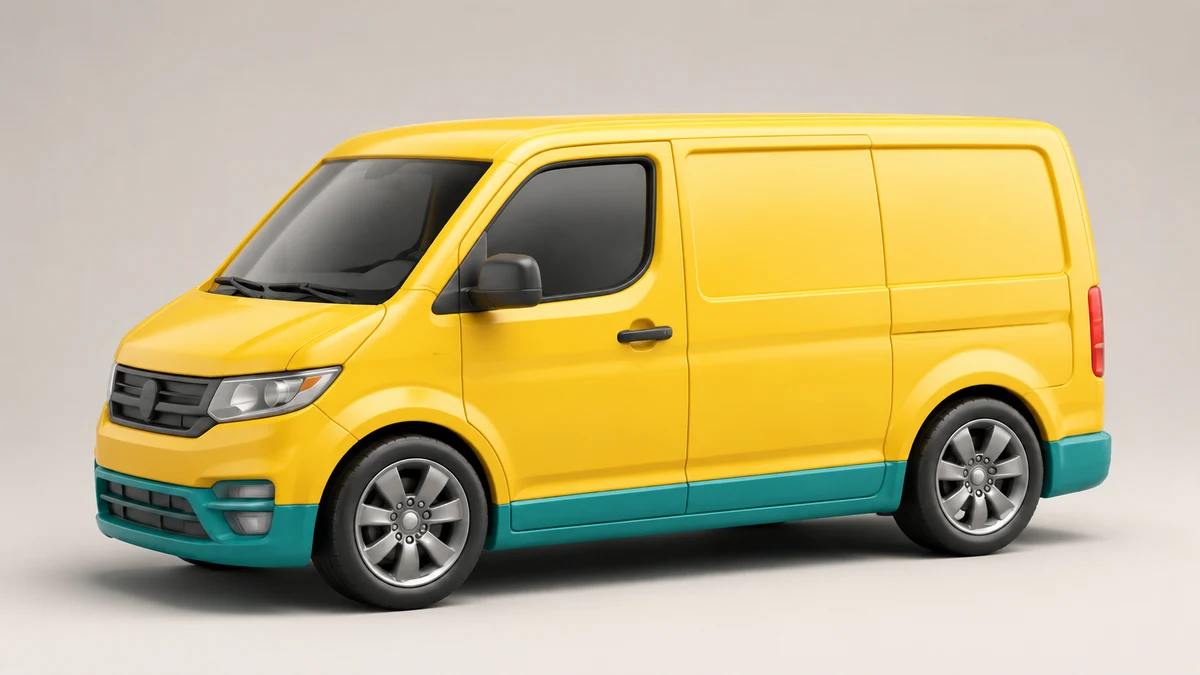
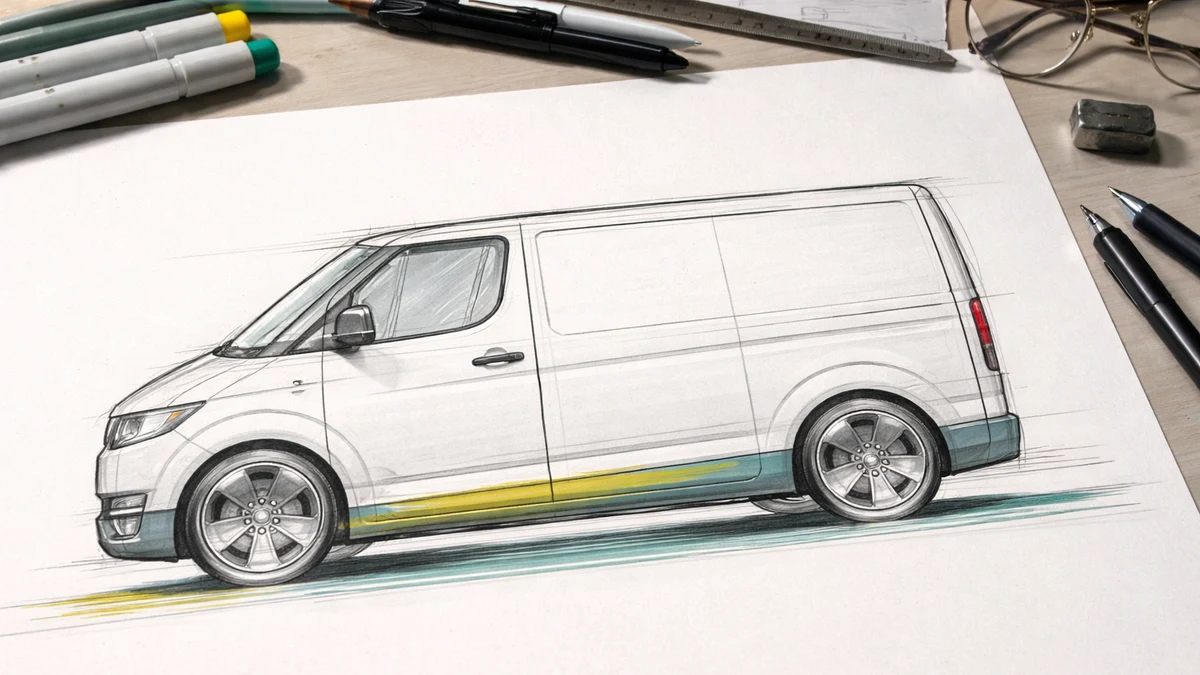
Flat vehicle drawing to 3D model
Turn a simple flat vehicle drawing into a clean 3D-style model while keeping the basic shape, windows, and colors.
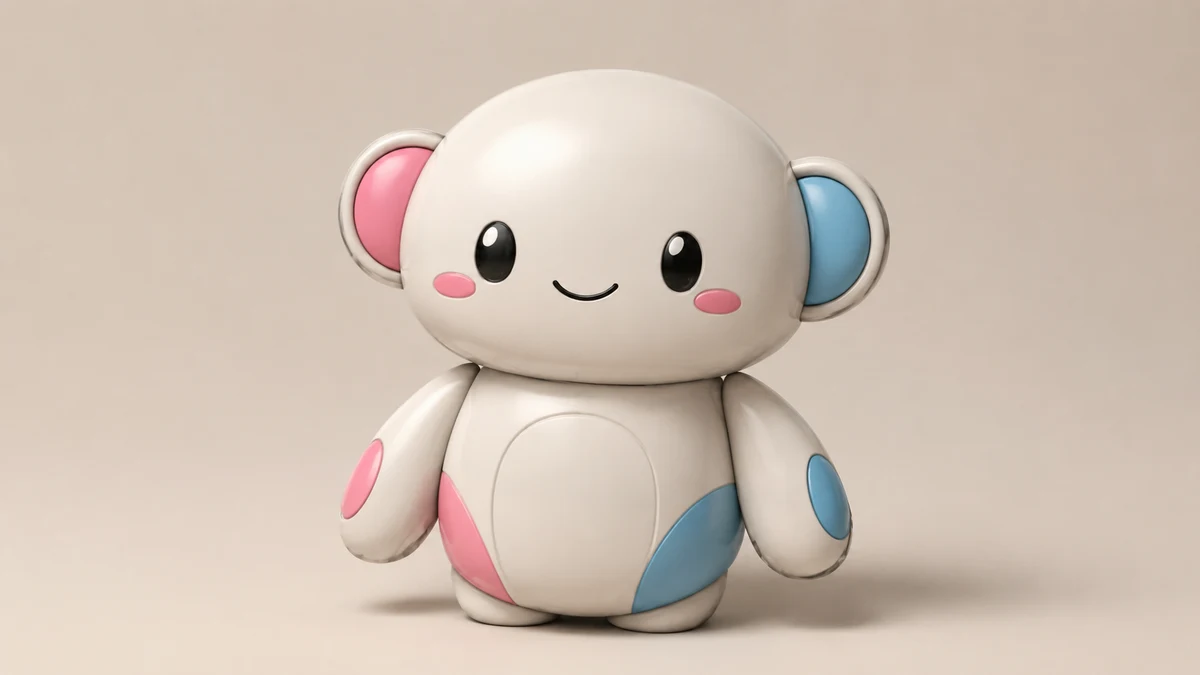
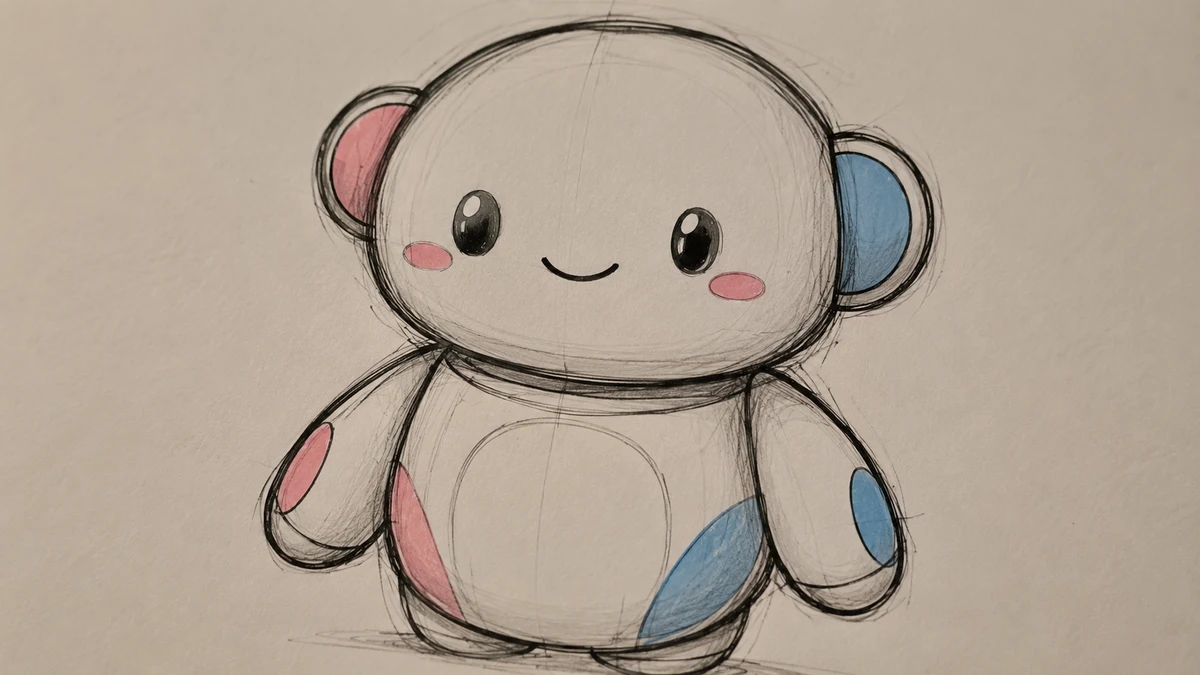
Character sketch to vinyl figure
Transform a simple character drawing into a cute 3D vinyl figure with a clear same-subject before and after result.
Upload one 2D image and create a 3D-style rendered result
Upload one sketch, icon, drawing, or flat image and create a polished 3D-style visual with depth, materials, light, and shadow.
2D to 3D converter|Image-to-image 3D style conversion|1 image|Sketches, icons, products, characters
Upload a flat image, add an optional style direction, and generate a depth-rich 3D-style result online.
Choose a sketch, line drawing, app icon, flat illustration, product outline, floor plan, or concept image with a clear subject.
Leave the note blank for a general 3D-style render, or ask for a clay model, glossy app icon, realistic product render, isometric room, or soft toy look.
GPT Image 2 redraws the uploaded image with depth, lighting, perspective, material texture, and shadows while preserving the source idea.
Use VizRise for image generation, image cleanup, reference blending, sketch conversion, background removal, and 2D to 3D-style rendering.
Built for image-to-image 3D style conversion, subject preservation, material control, and fast concept visuals.
Create 3D-style icons, product concepts, mascot renders, room concepts, educational visuals, and design mockups.
Convert mascot drawings, simple characters, stickers, and flat icons into 3D-style visuals for landing pages, ads, and social posts.
Turn flat product sketches or packaging ideas into polished 3D-style mockups before spending time on manual modeling.
Use simple drawings of products, vehicles, props, or objects to create quick dimensional concepts for mood boards and presentations.
Make simple diagrams easier to understand by turning them into depth-rich visual examples for slides, lessons, and explainers.
The result is a rendered image with a 3D look, not a downloadable 3D model file.
VizRise generates a rendered image with a 3D look. It does not export OBJ, STL, CAD, rigged models, depth maps, or game-ready geometry. Use it for visuals, concepts, and design exploration.
Answers about 2D image to 3D-style conversion, free credits, icon conversion, floor plans, mesh export limits, and style control.
Upload one 2D image, optionally add a short direction, and click Convert to 3D. VizRise uses GPT Image 2 to redraw it as a 3D-style rendered image.
You can view the page without installing anything. New users can try the 2D to 3D AI workflow with 3 free credits. After those credits are used, generation uses your normal VizRise credit balance.
Yes. Flat icons, stickers, simple logos, and mascot drawings are strong use cases. Add a note if you want glossy, clay, toy, soft plastic, or premium app-icon styling.
It can create a 3D-style concept image from a simple floor plan or room sketch. It is not an architectural modeling tool and does not produce exact measurements or CAD geometry.
No. This page creates a 3D-looking image. It is useful for concept visuals, thumbnails, product mockups, and design exploration, not for mesh export or manufacturing.
Use a clear 2D image with a recognizable subject and simple layout. Very tiny details, heavy text, busy screenshots, or unclear sketches can make the 3D conversion less consistent.
Yes. Use the optional instructions to ask for an isometric render, clay style, glossy icon, toy-like material, realistic product render, soft studio lighting, or a specific camera angle.
Upload one sketch, icon, drawing, or flat image and create a polished 3D-style visual with depth, materials, light, and shadow.